How to Use Vanto Player: Complete Feature Guide
Welcome to Vanto Player! Our premium interface is designed for seamless media streaming. This step-by-step guide will walk you through all the major features of the app.
1. The Home Dashboard
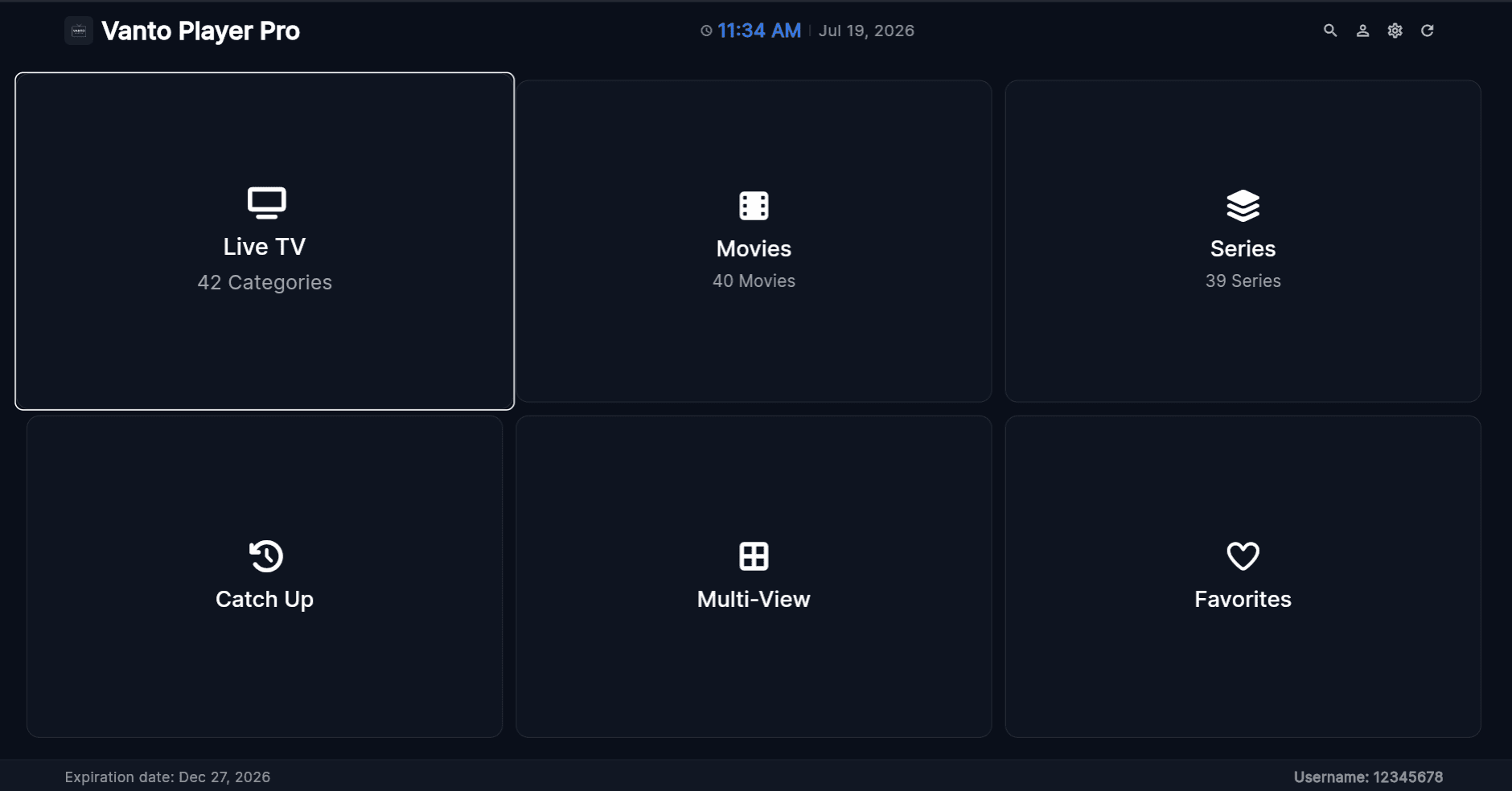
Once you've added your playlist, you'll be greeted by the intuitive Home screen. From here, you can access Live TV, Movies, Series, Catch Up, and more. The dashboard is designed to provide quick access to your recently watched and favorite content.
2. Live TV & EPG Guide
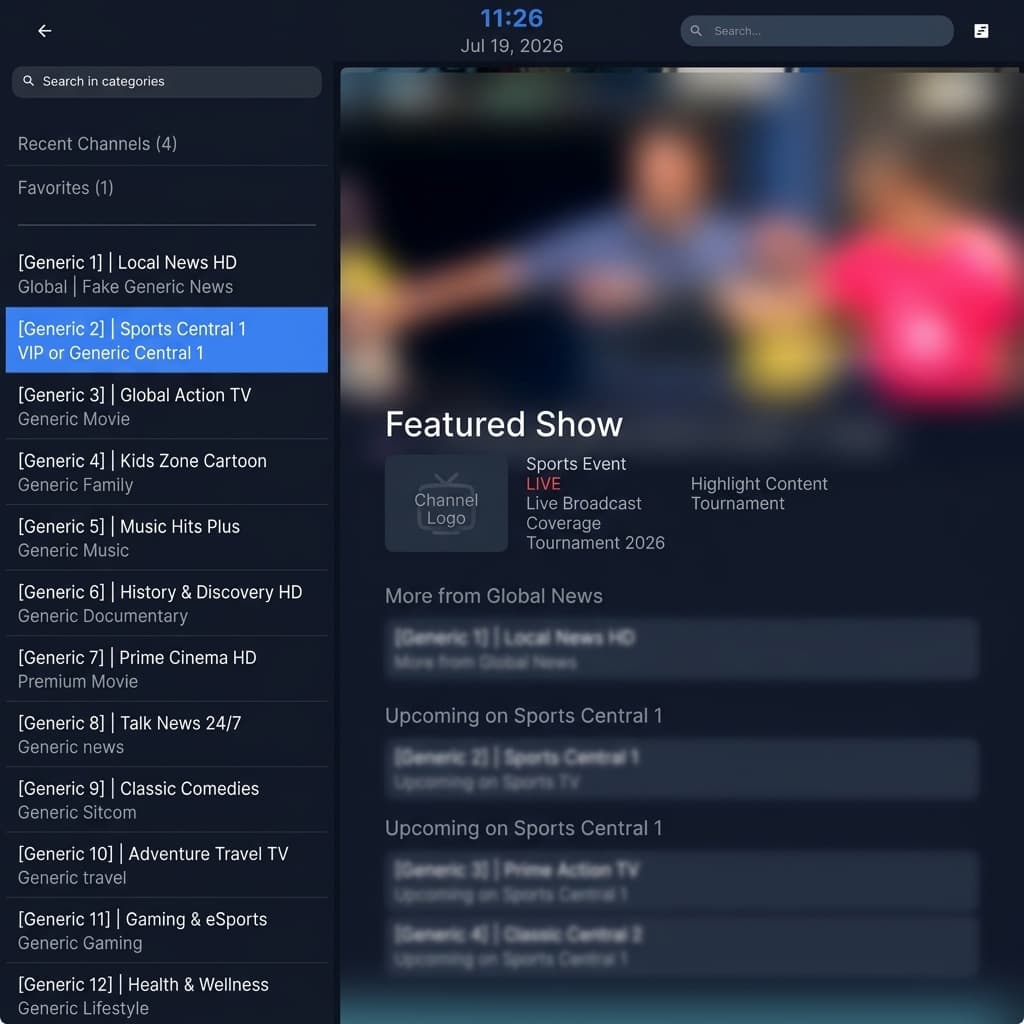
The Live TV section organizes your channels by category. You can browse through your provider's channel list, view the Electronic Program Guide (EPG) to see what's currently playing, and switch channels instantly with zero buffering.
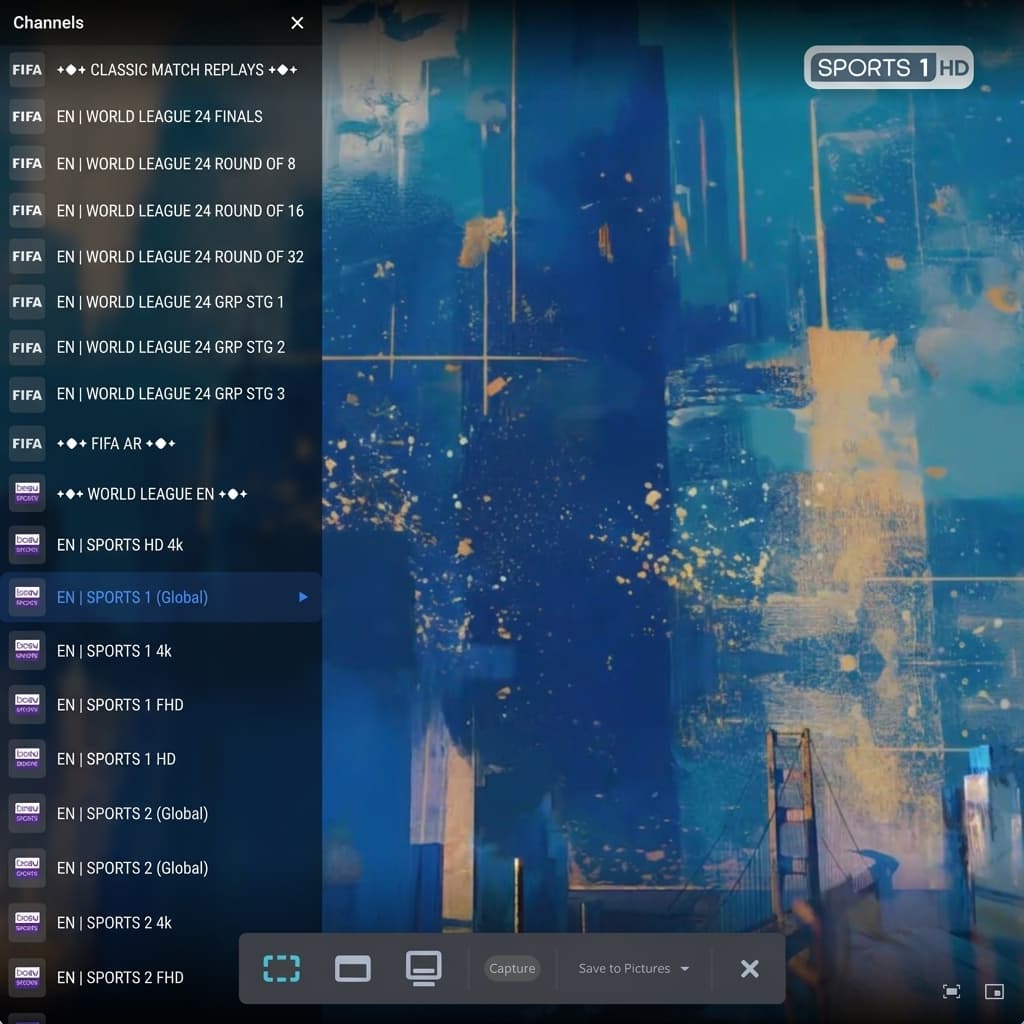
Once you select a channel, the powerful Live Player gives you playback controls, quick channel zapping, and access to the EPG directly from the player overlay.
3. Movies (VOD)
Dive into your Video On Demand (VOD) library. The Movies section displays beautiful cover art, categorized by genre or newly added content.
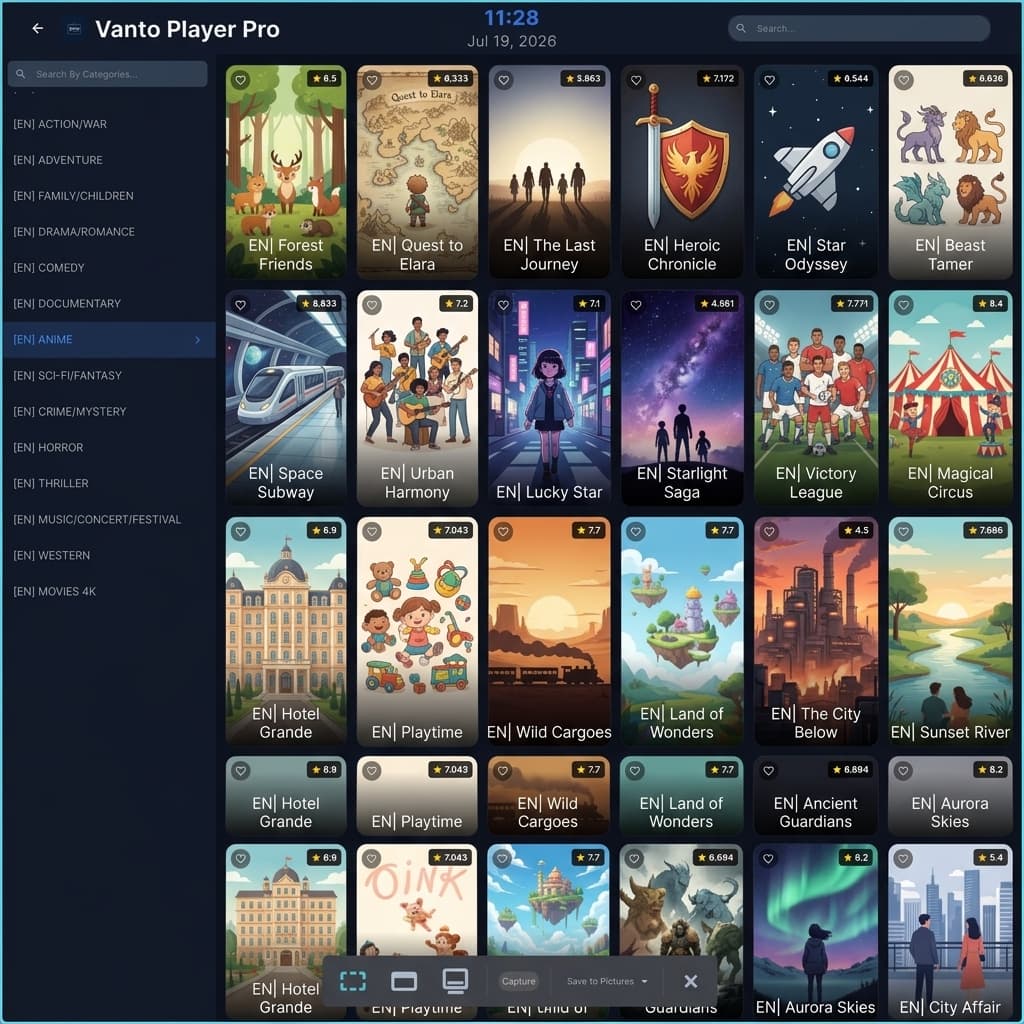
Clicking on any movie brings up the Details Screen, where you can read the synopsis, check the IMDB rating, view the cast, and watch the trailer before hitting play.
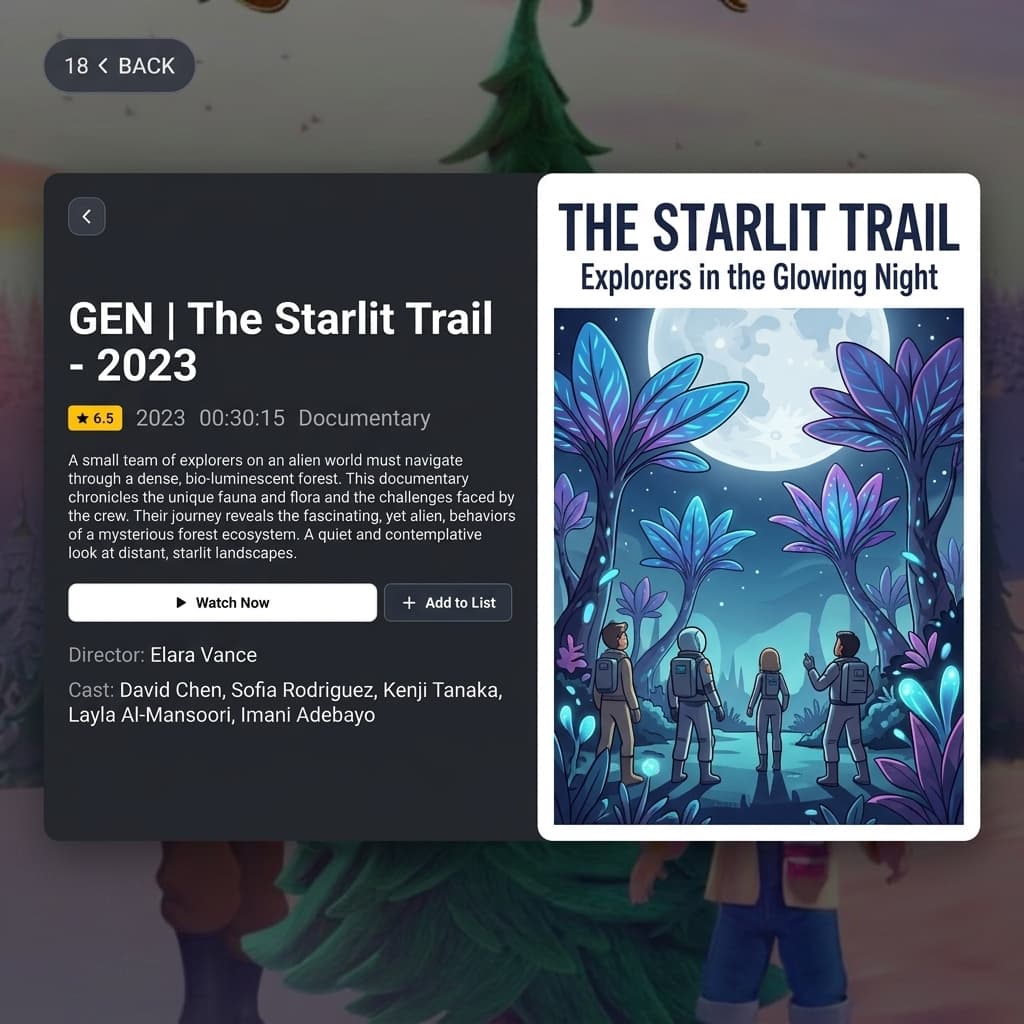
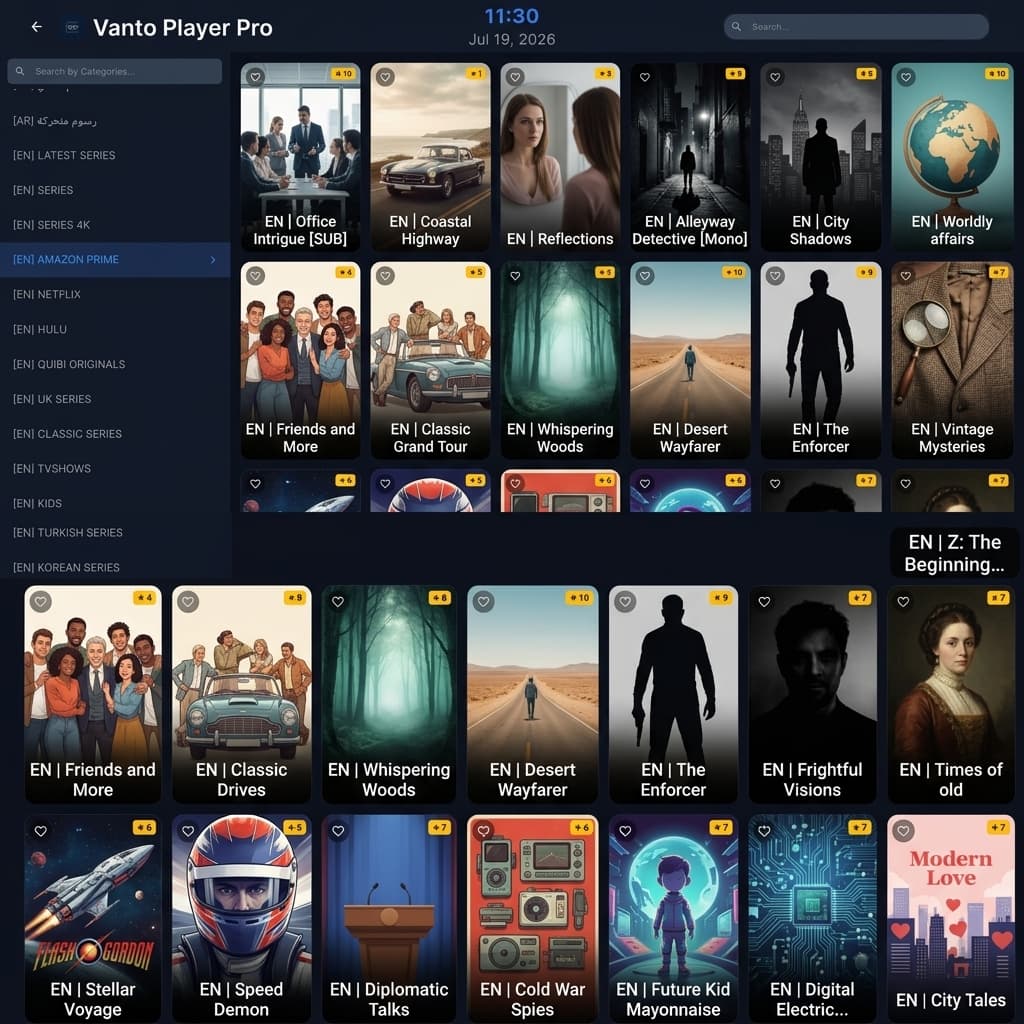
4. TV Series
Binge-watching is easy with the Series section. Browse your TV shows with automatic categorization and high-quality posters.
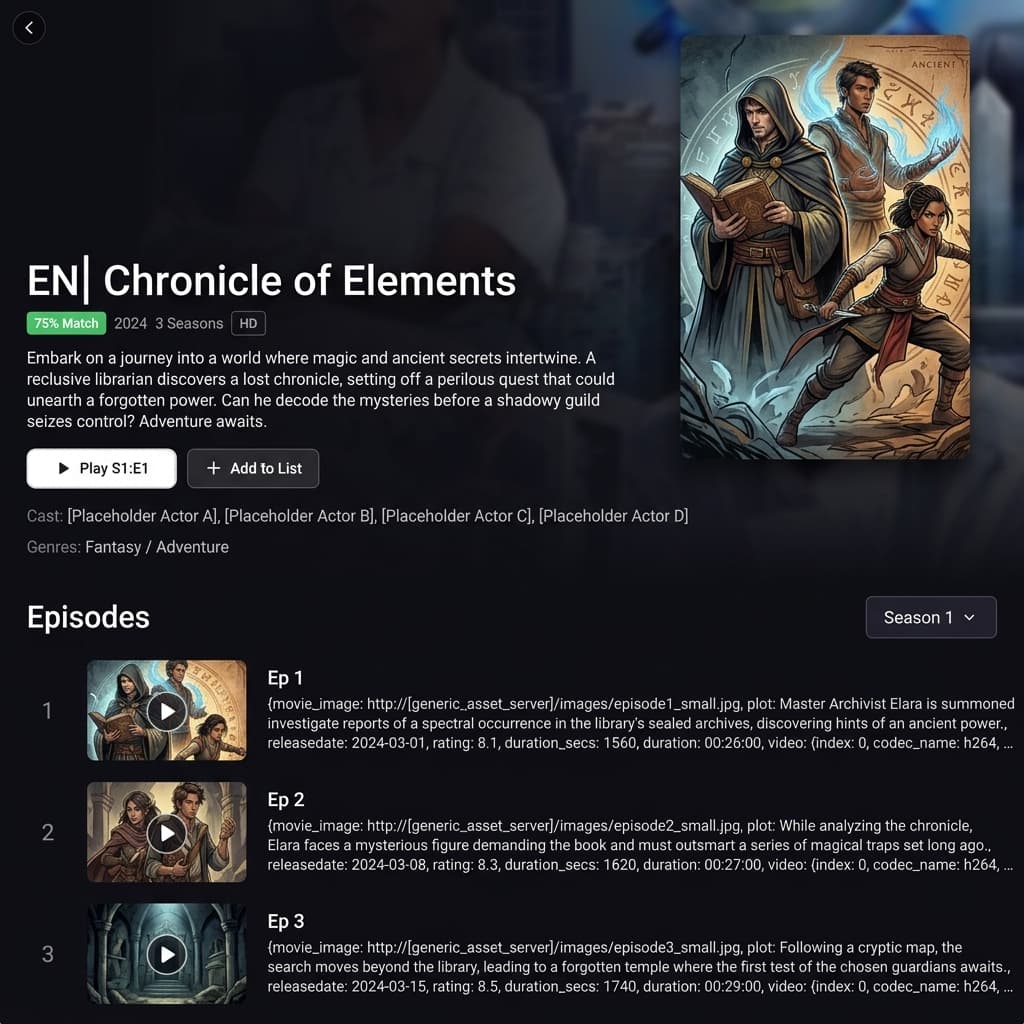
Inside a series, episodes are neatly organized by Season. The app keeps track of your progress so you can pick up exactly where you left off.
5. Multiscreen & Catch-up
Can't decide what to watch? Use the Multiscreen feature to watch up to 4 live channels simultaneously on the same screen! Perfect for sports days.
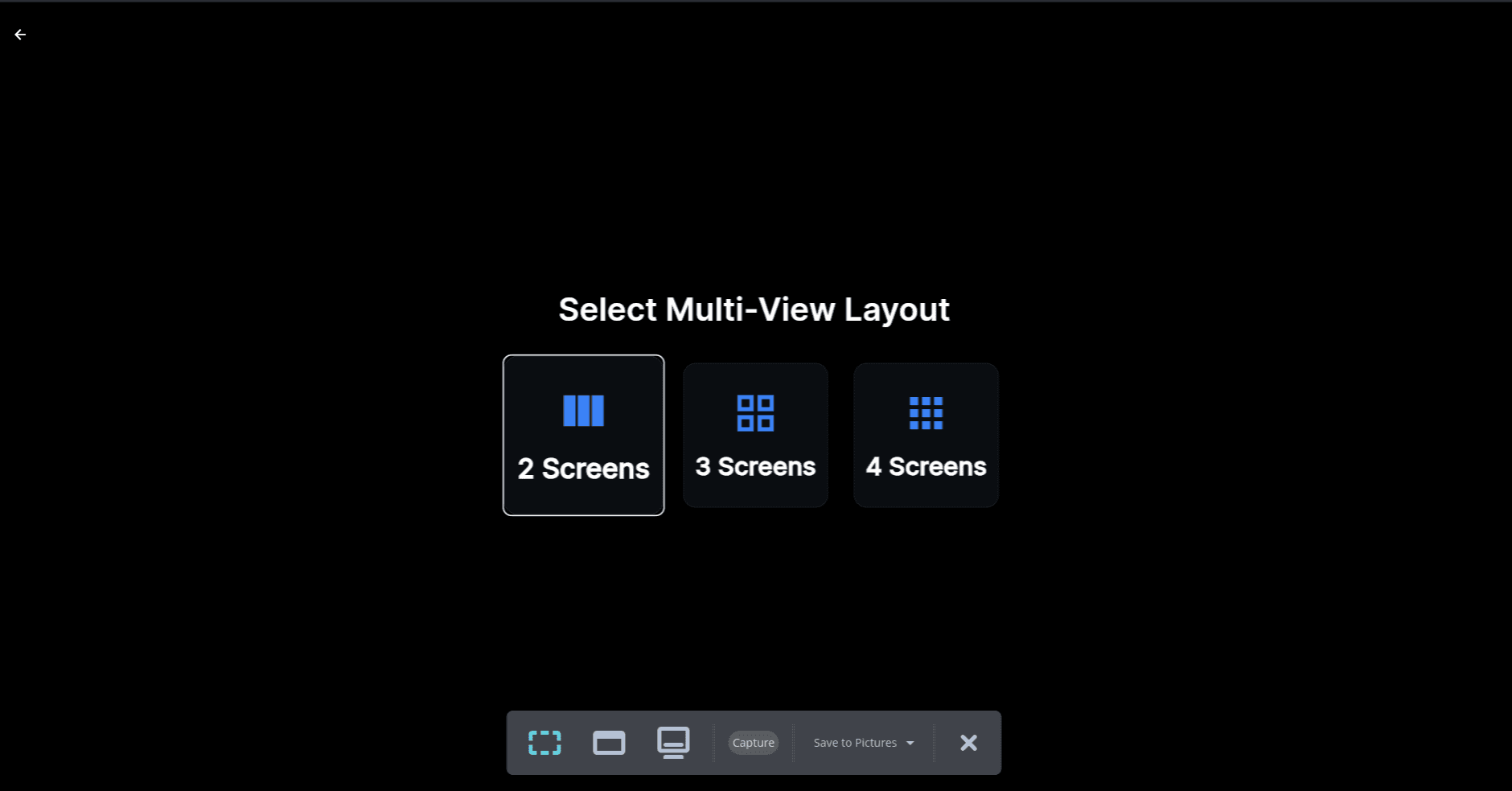
If your provider supports it, the Catch-up section allows you to rewatch programs that aired earlier in the week, so you never miss a moment.

6. Profiles & Settings
Customize your experience by creating multiple user Profiles. This keeps favorites, watch history, and parental controls separate for different members of the household.
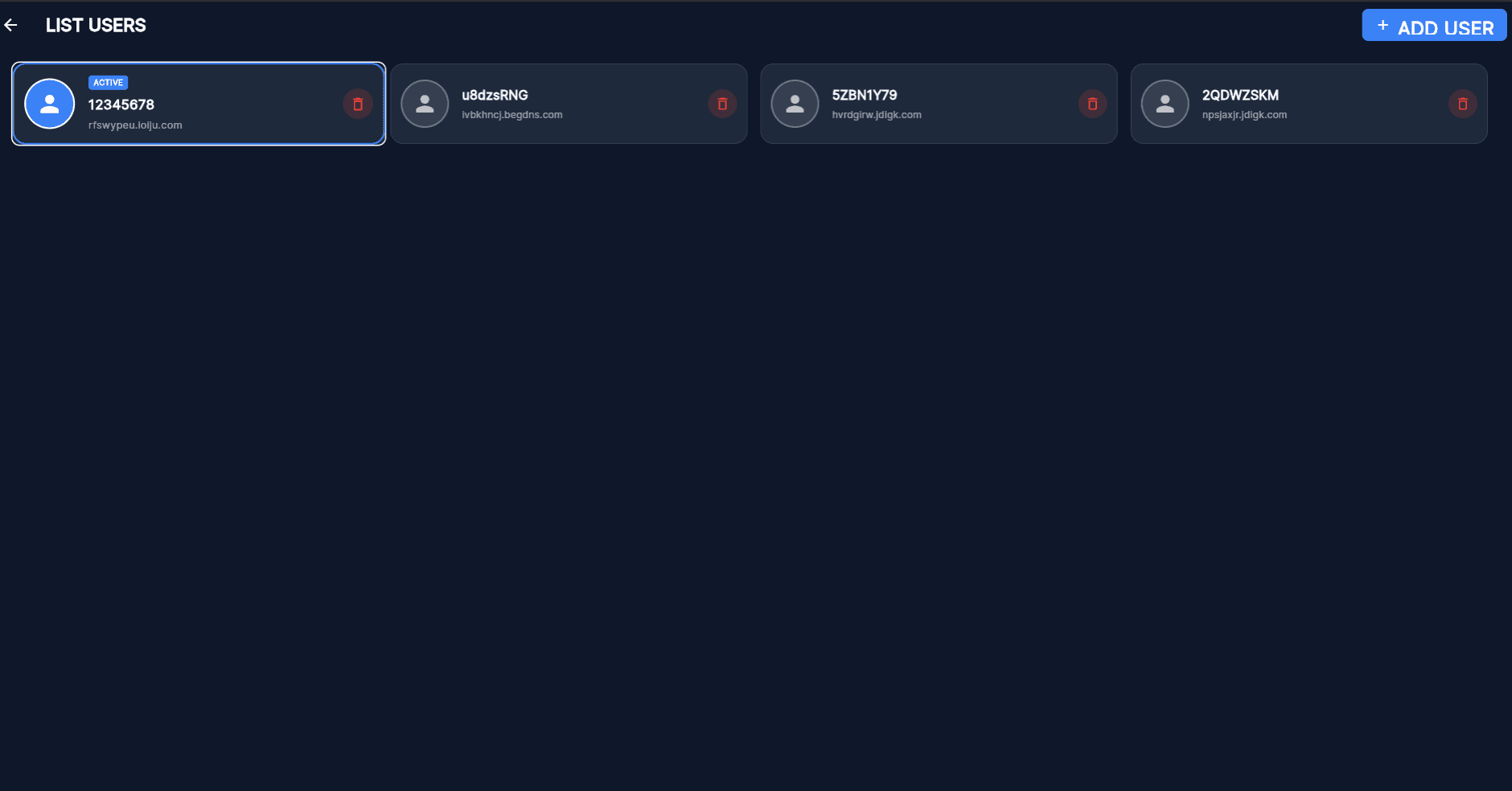
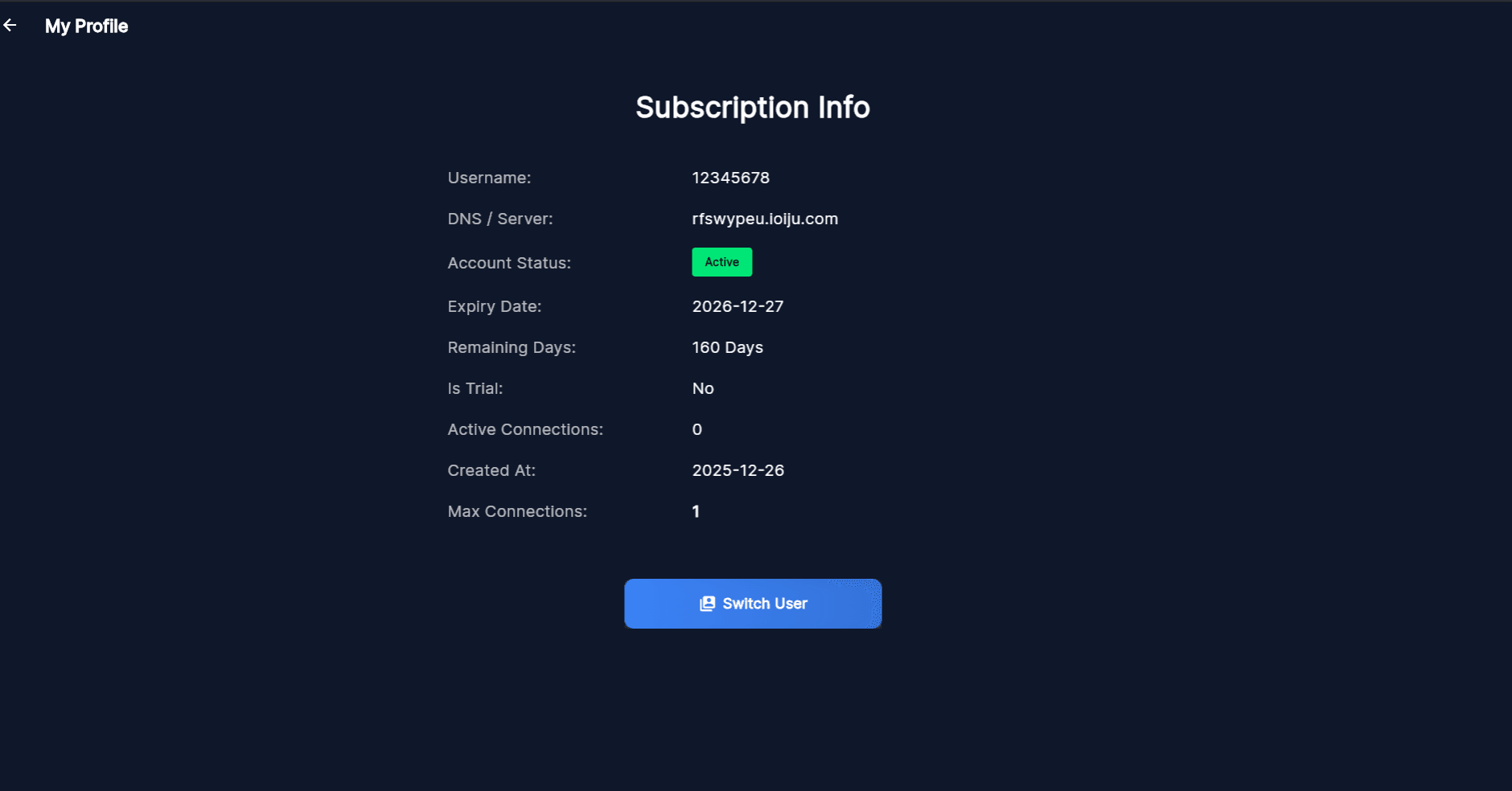
Access the Settings to configure parental controls, adjust playback settings, change the app language, and manage your account details securely.