Vanto Player:
The Best IPTV Player App & Online Player
Experience the next generation of streaming with our premium IPTV player app. Seamlessly play your m3u playlists on Smart TVs, Android, and online via our web player with crystal-clear 4K resolution and a beautiful interface.
Legal Notice: VANTO PLAYER does not sell playlists or subscriptions. It is a media player and does not offer channels or include any content. Clients must provide their own content. VANTO PLAYER is not responsible for the content utilized within our app. We offer a 7-day trial period; afterward, a one-time license must be purchased. No refunds after purchase.
Vanto Player: Media Player Service Features
Experience seamless streaming with Vanto Player's user-friendly interface, diverse channel lineup, and high-quality content. Dive into a world of live TV, on-demand entertainment, and innovative features, all tailored to your preferences.

Vanto Player - How to Use and Activate the App
Vanto Player Official
Watch Vanto Player with these compatible streaming devices
Vanto Player Features Overview
User-Friendly Interface
– Modern design for bufferfree media playbackMultiple Playlist Formats
– It Supports M3U, JSON, and other file formats( Video & Audio)High-Quality Playback
– Enjoy smooth streaming with advanced video codecs (HD & 4K)Multi Cross-Platform Support
– Available on Android, iOS, Smart TV's, Windows, macOS, and WebPersonalized Experience
– Customize settings for an excellent viewing experience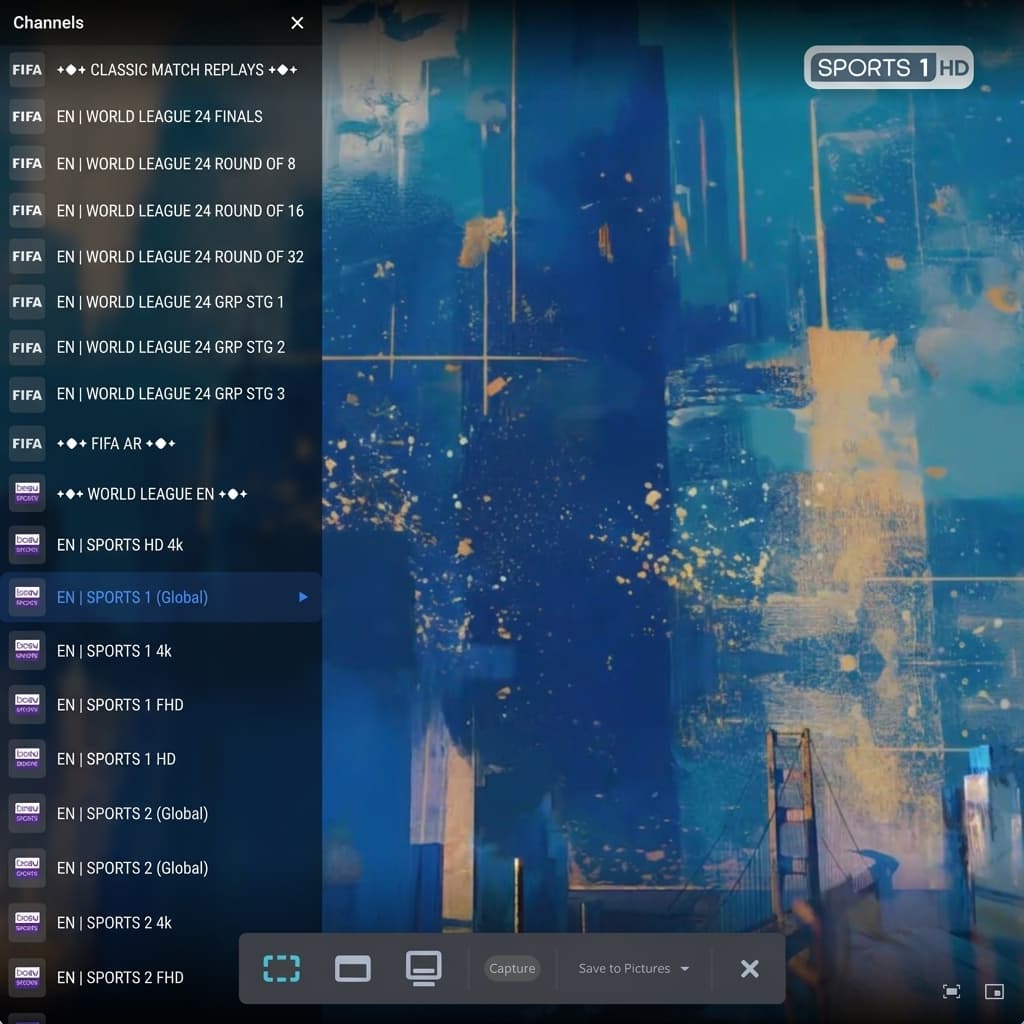
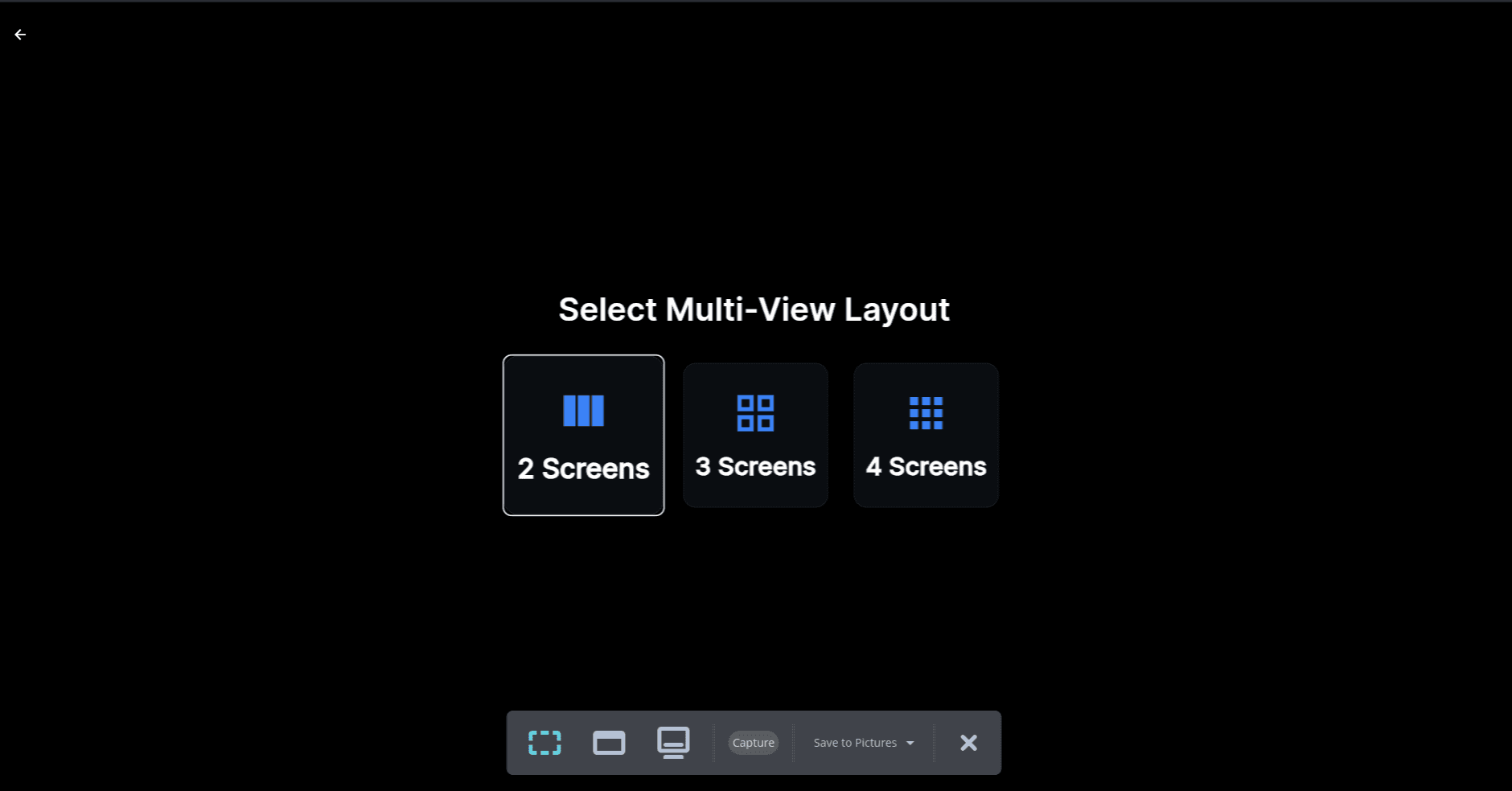
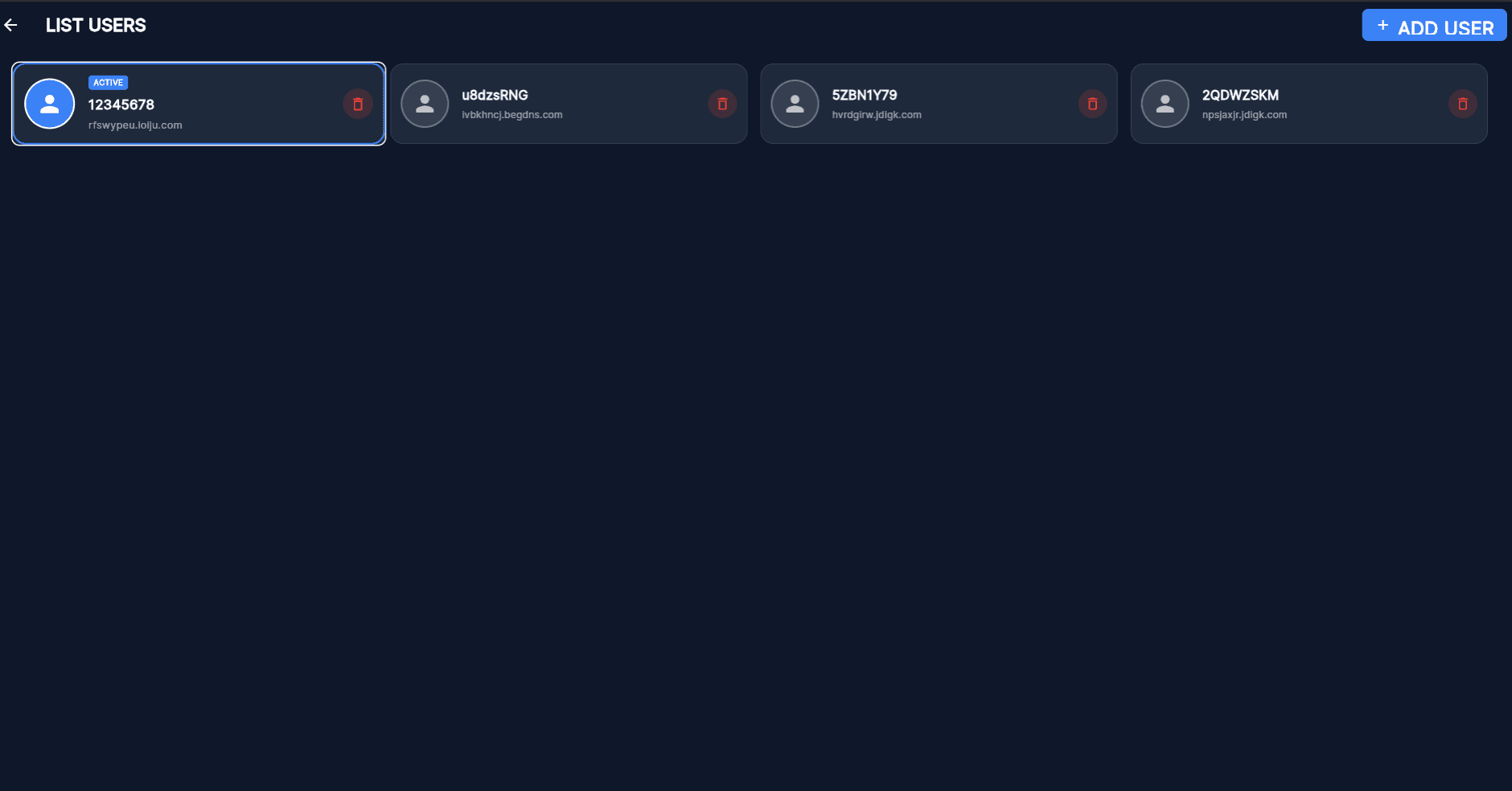
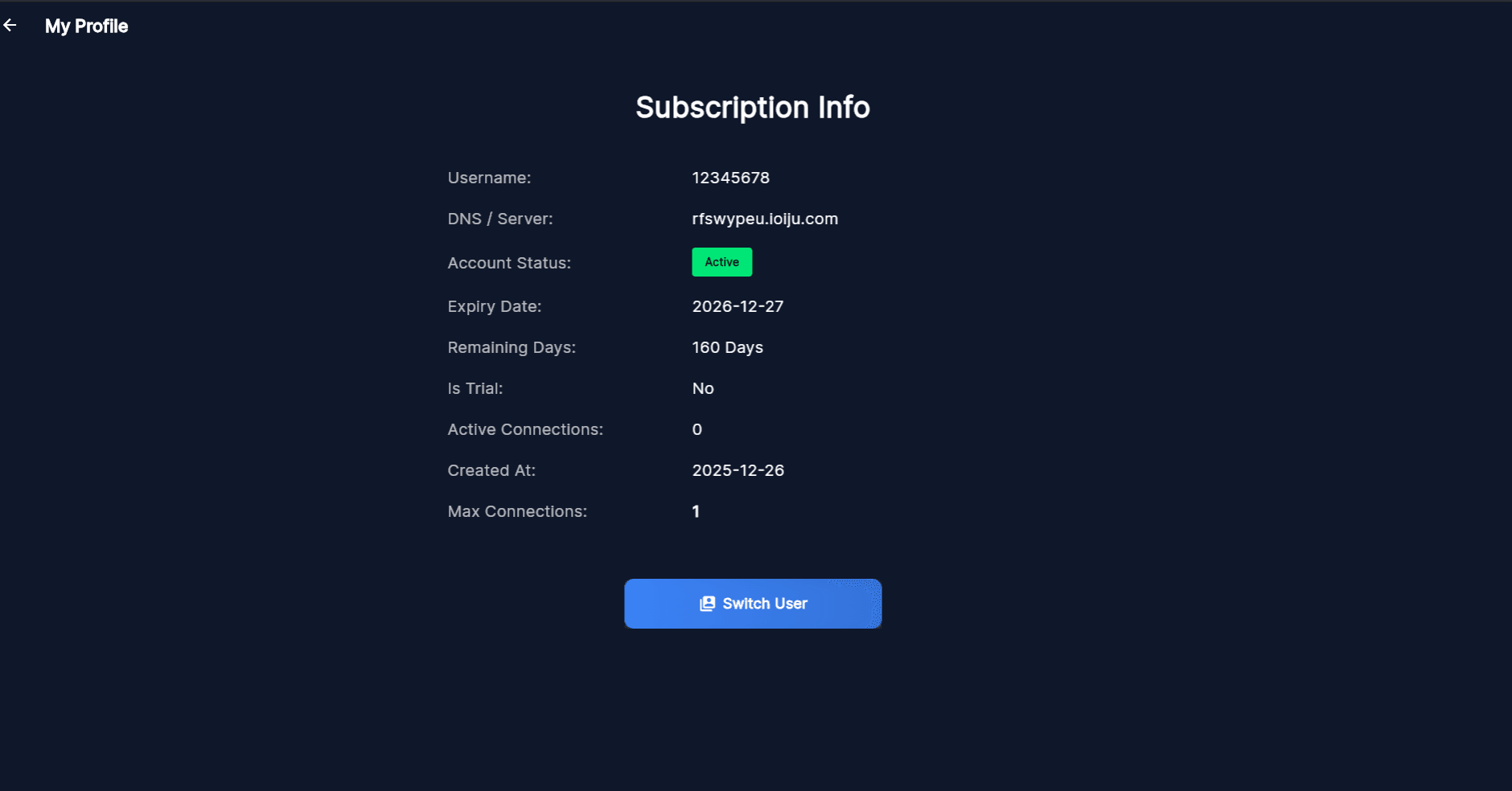
Vanto Player App Screenshots
Take a look at our beautifully designed, intuitive interface. Built from the ground up to provide the ultimate streaming experience on any screen size.
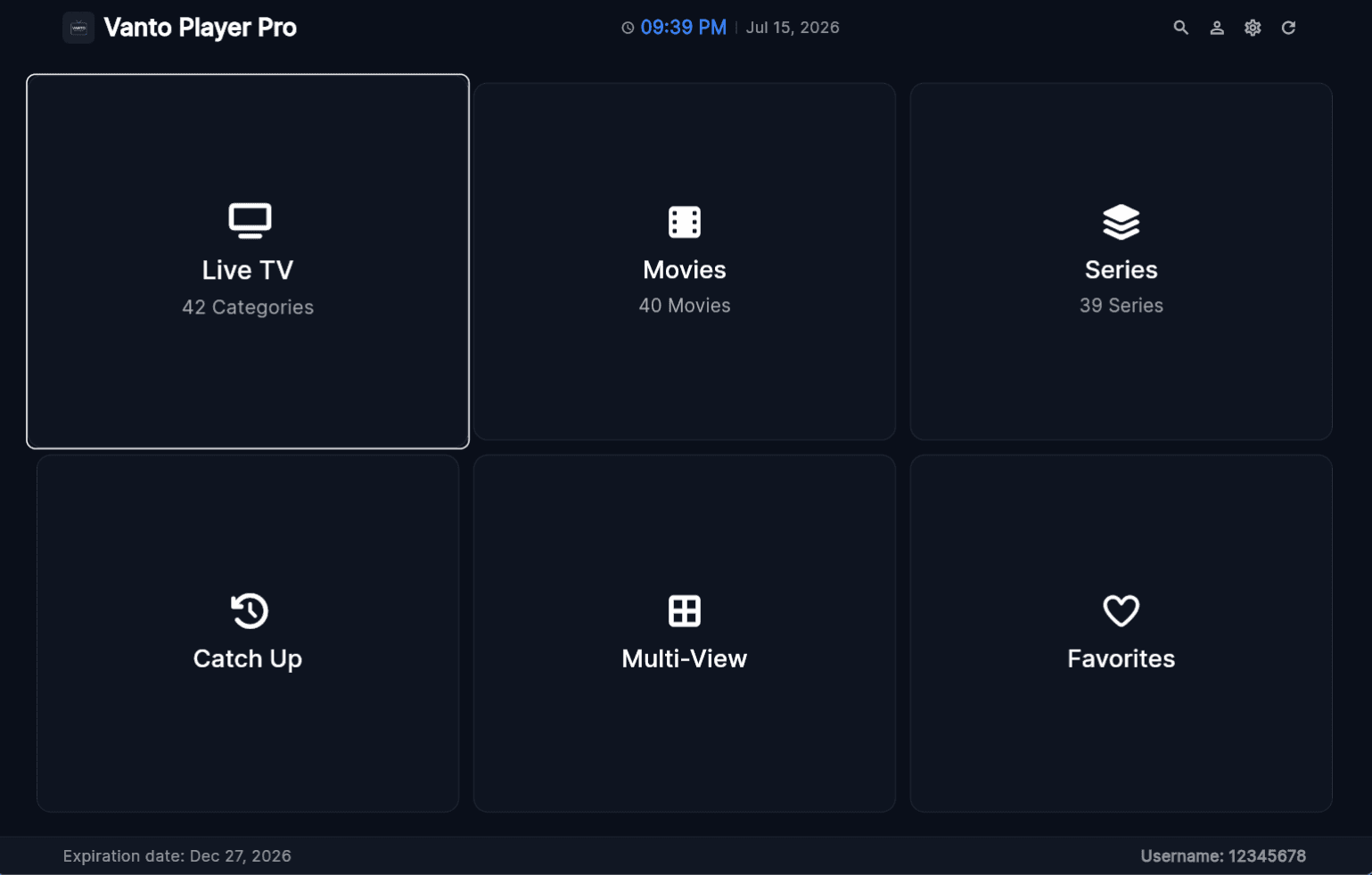
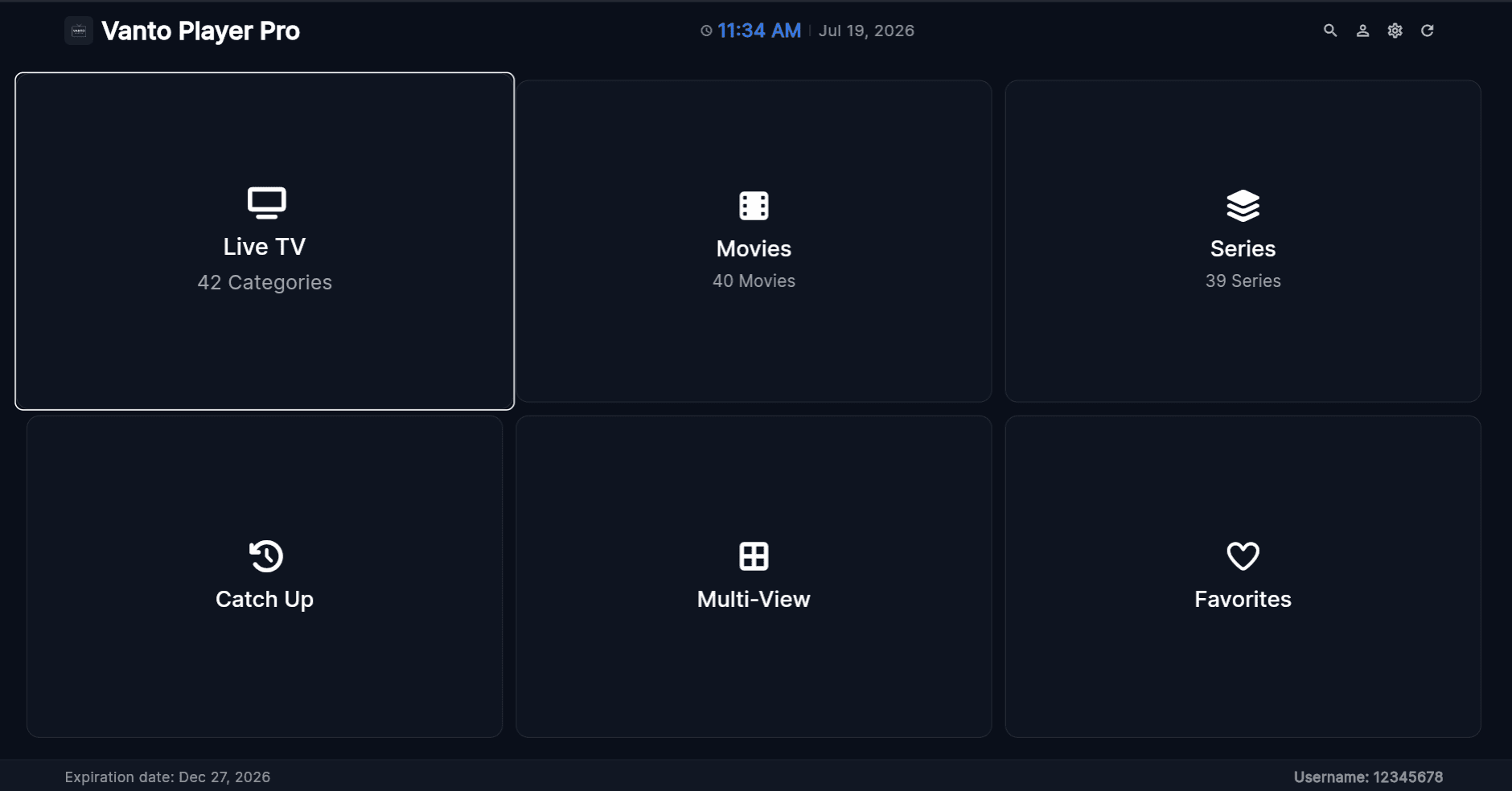
Cinematic TV UI
A massive, immersive layout optimized entirely for your living room big screen.
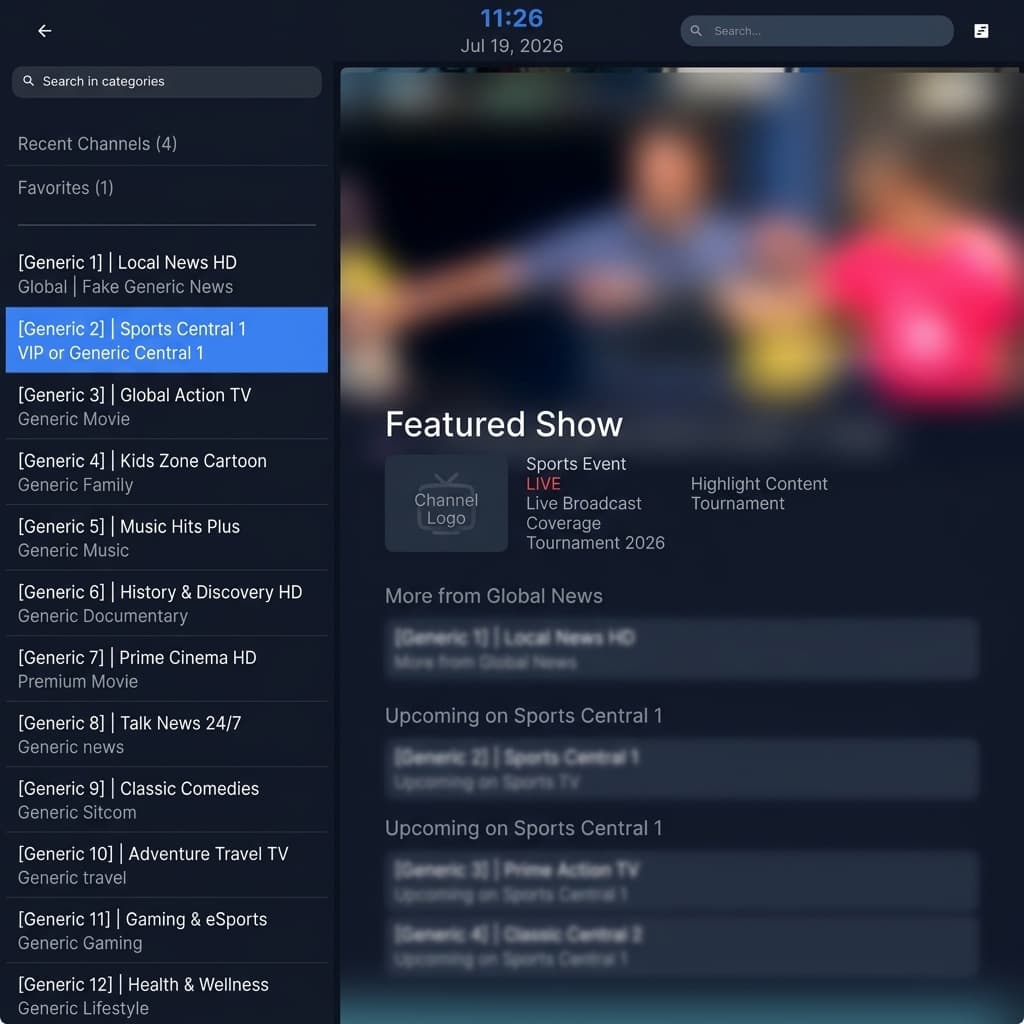
Live TV & EPG
Browse channels with an integrated program guide.
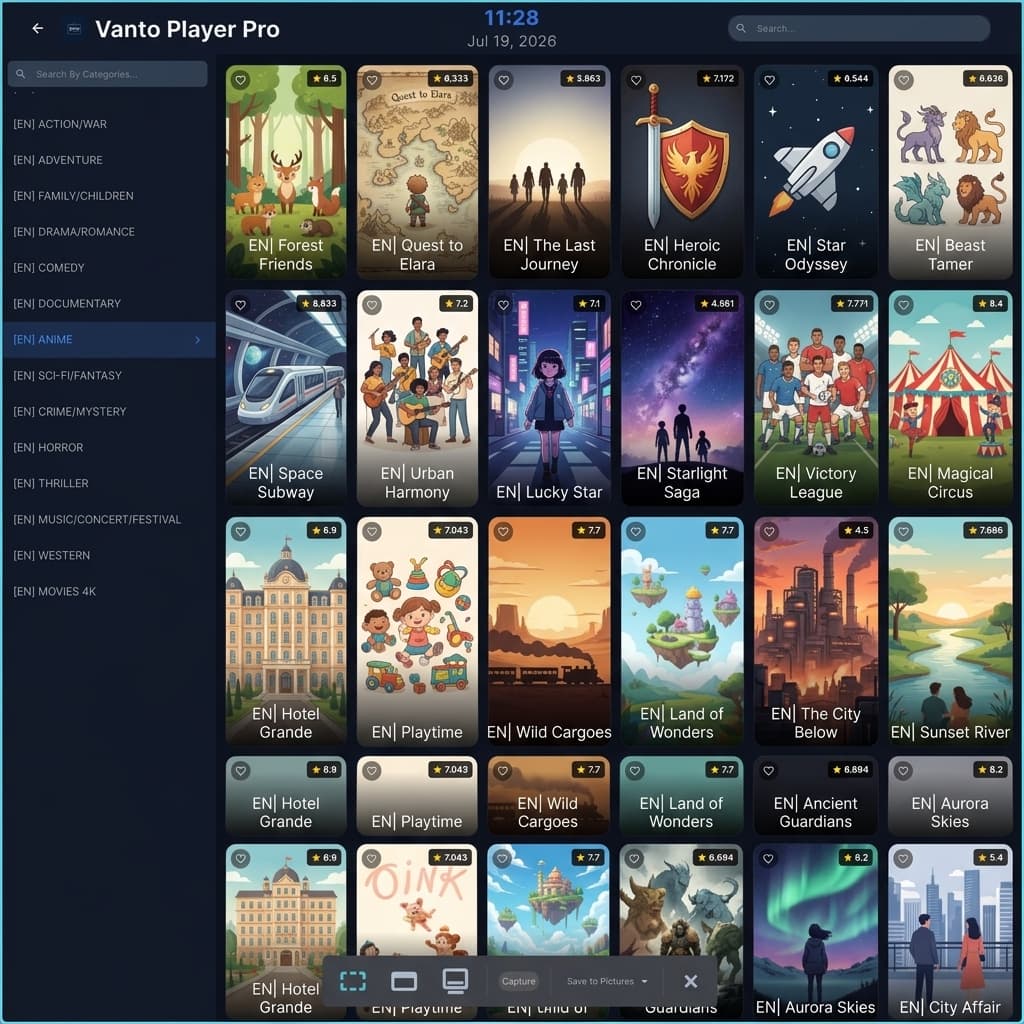
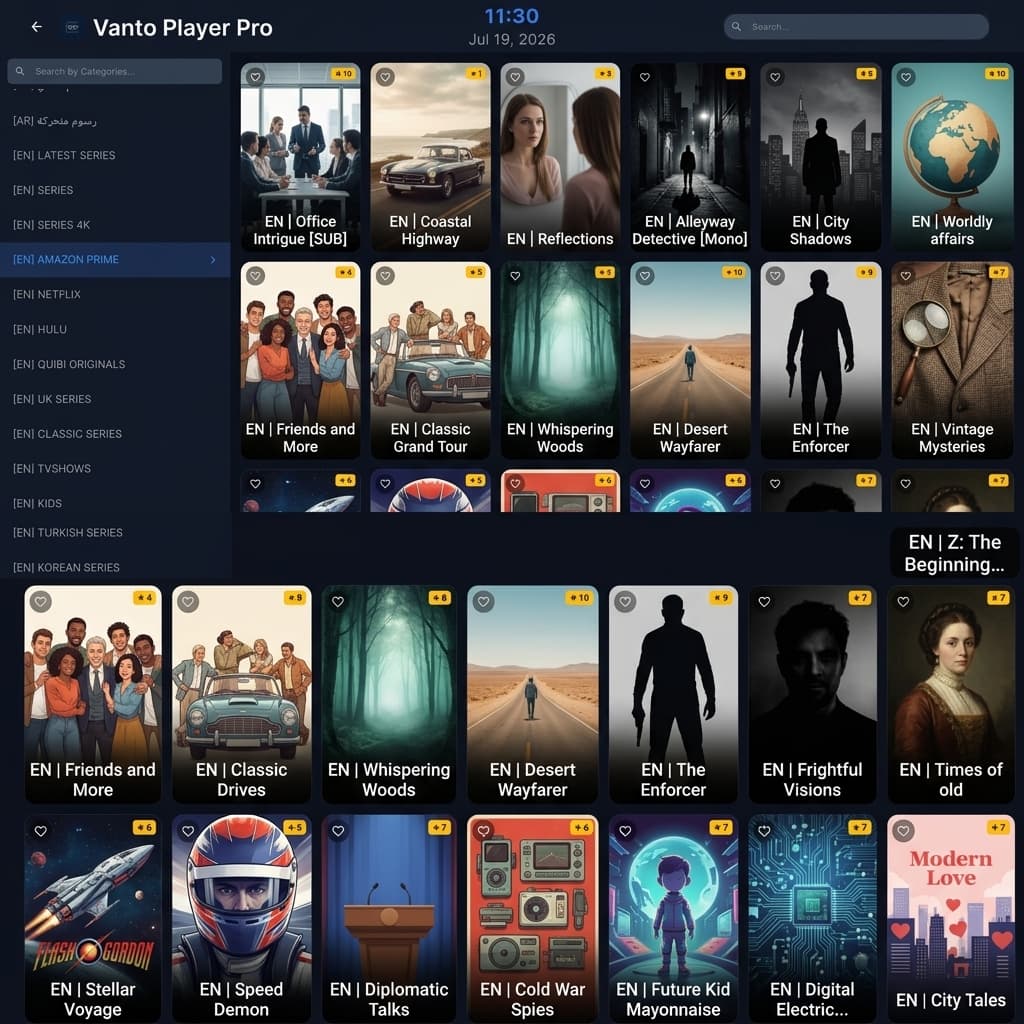
VOD Library
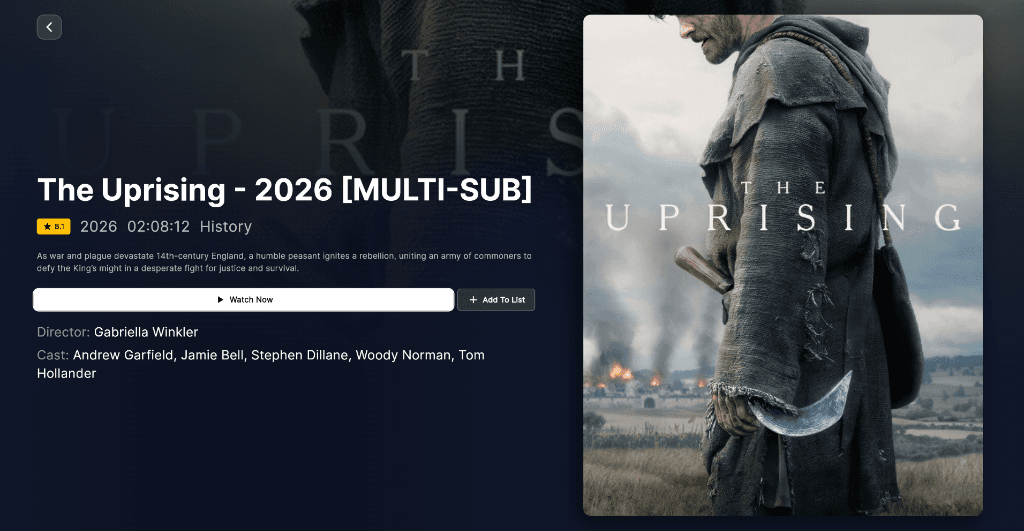
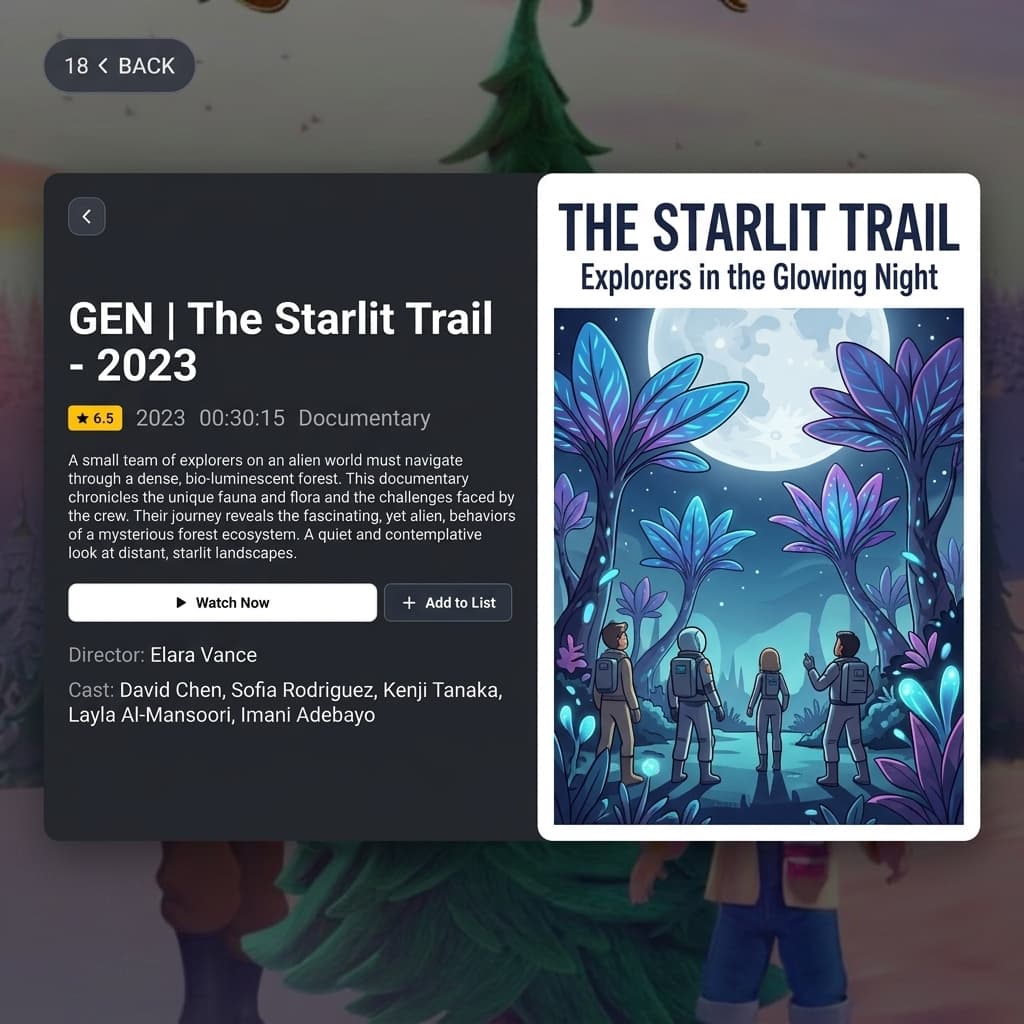
Rich Metadata
Download Vanto Player
Android App
Download Latest Version (v5.0) • SHA-256: 8f2c...4b1a
IOS App
(Vanto Player Pro)
MacOS App
Coming Soon
How to Uninstall Vanto Player
If you need to remove Vanto Player from your device, follow the instructions below based on your operating system.
Windows
- Open Settings > Apps.
- Search for "Vanto Player" in the list.
- Click on it and select Uninstall.
- Follow the on-screen prompts.
macOS
- Open the Finder.
- Go to the Applications folder.
- Locate "Vanto Player".
- Drag the app to the Trash.
Android & TV
- Go to device Settings.
- Navigate to Apps.
- Find and select "Vanto Player".
- Choose Uninstall and confirm.
Vanto Player
Parental Controls
Enhance peace of mind with Vanto Player's Parental Controls. Customize family content access by setting ratings and categories, ensuring a safe and enjoyable viewing experience. Vanto Player's Parental Controls serve as your ally, providing confidence and control in the digital landscape.
Fraud Awareness
This is a disclaimer to inform our users that a few websites are illegally duplicating our official website, using our name and site content, and selling subscriptions and packages. Please note that we do not endorse or have any affiliation with these websites, and any transactions made with them will not be honored by us.
To ensure that you are using a legitimate website, please ensure that the URL begins with "https://vantoplayer.com/"and we don't sell any IPTV subscriptions or Channel Packages. Also, you have verified the website's authenticity through other means, such as checking for a secure SSL certificate and contacting our customer support for confirmation.
We take the protection of our customers and brand very seriously and are taking steps to shut down these fraudulent websites. If you find any other website, you suspect is fake. Please report it to us immediately.
Frequently Asked Questions
Vanto Player APP and any administrator do not help you to find a good playlist. Also, we don't provide any kind of playlists. We are not responsible for the content uploaded to our APP. Please don't buy the app when you don't have any playlist or Media for the APP, because no channels are included after the activation in this app. Your payment will not be refunded if you buy it without having any list or something is not working.
Each TV has 2 MAC addresses (1st is WiFi, 2nd is Ethernet) and a 2nd MAC has activated automatically after you switch to another connection type and restart the app. MAC address is unique for every TV and cannot be changed manually.
This can be caused because of the ISP lock if your computer is on a different Network. But when the network is the same as your computer and it is not working it can be caused because of your TV's supported format. Not every Smart-TV supports all contents. Every TV model is totally different or may not support specific stream formats!
Make sure your playlist is working and active, that it has no limitations or problems. For privacy reasons we do not have access to the playlists, we do not provide any assistance on them.
This is maybe because of your internet connection, please check at first your internet connection before you contact your provider. Many times it is caused because of the connection and not because of the provider!
No, the app didn't have an EPG system integrated but if your provider has an EPG - READY system then it would work with our platform.
For privacy reasons we do not have access to the playlists, we do not provide any assistance on them.