
Download Vanto Player App
Experience the most powerful and beautifully designed media player available. Available for Android, Smart TVs, and directly in your browser. Choose your platform below to get started.
Download Vanto Player
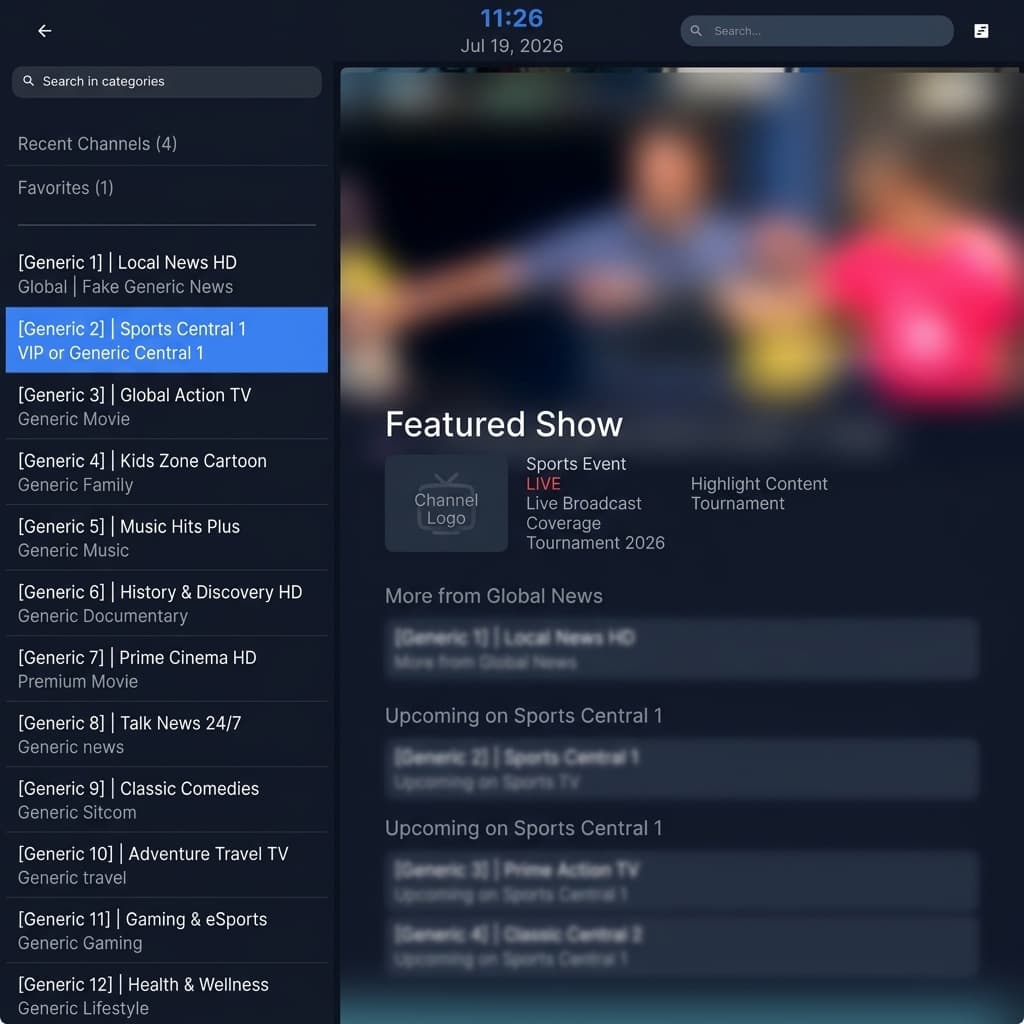
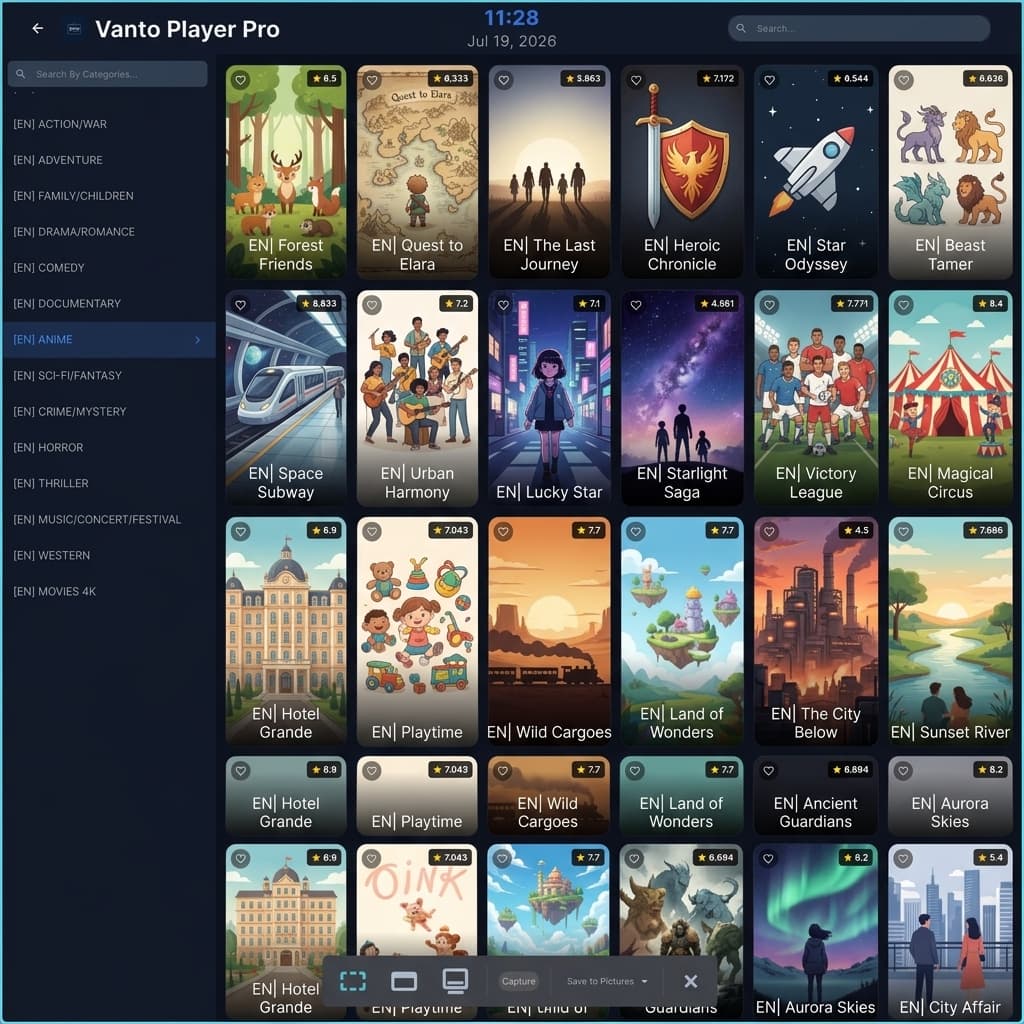
Android App
Download Latest Version (v5.0) • SHA-256: 8f2c...4b1a
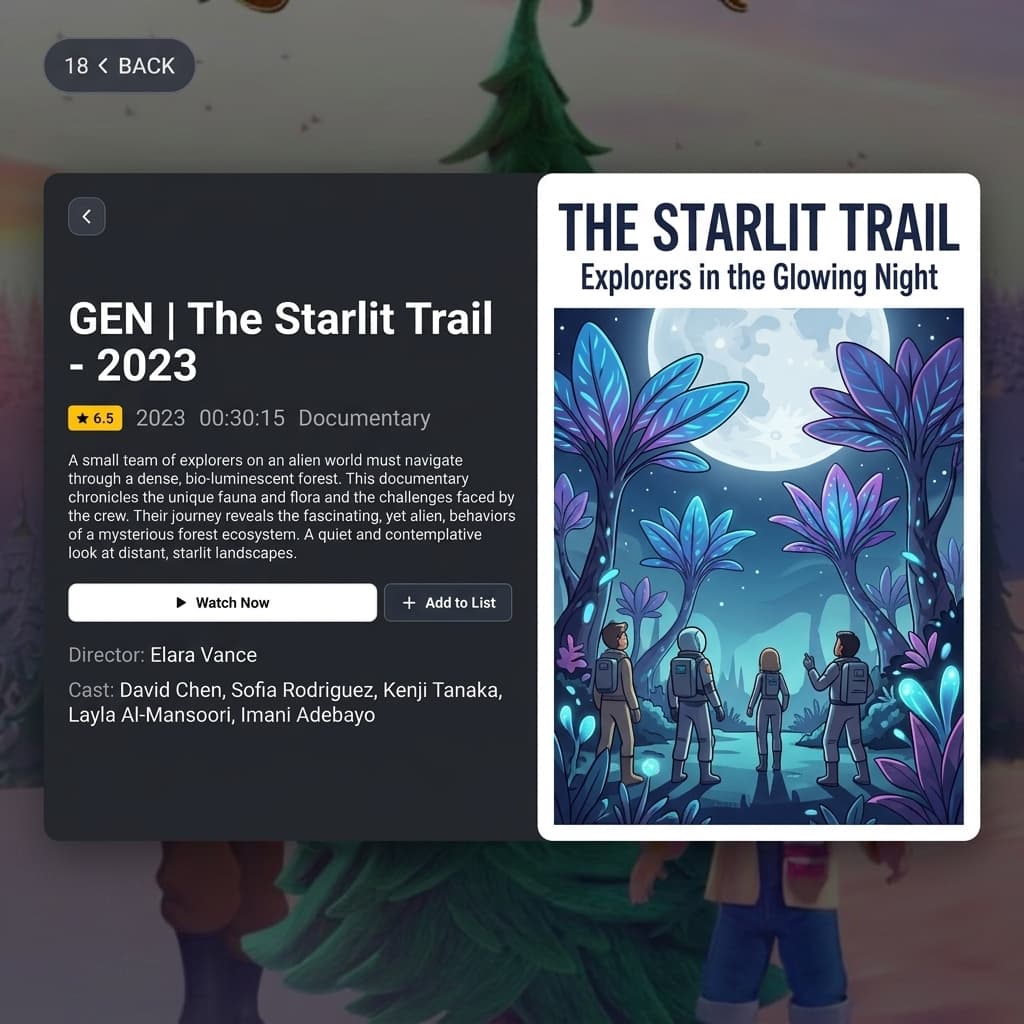
IOS App
(Vanto Player Pro)
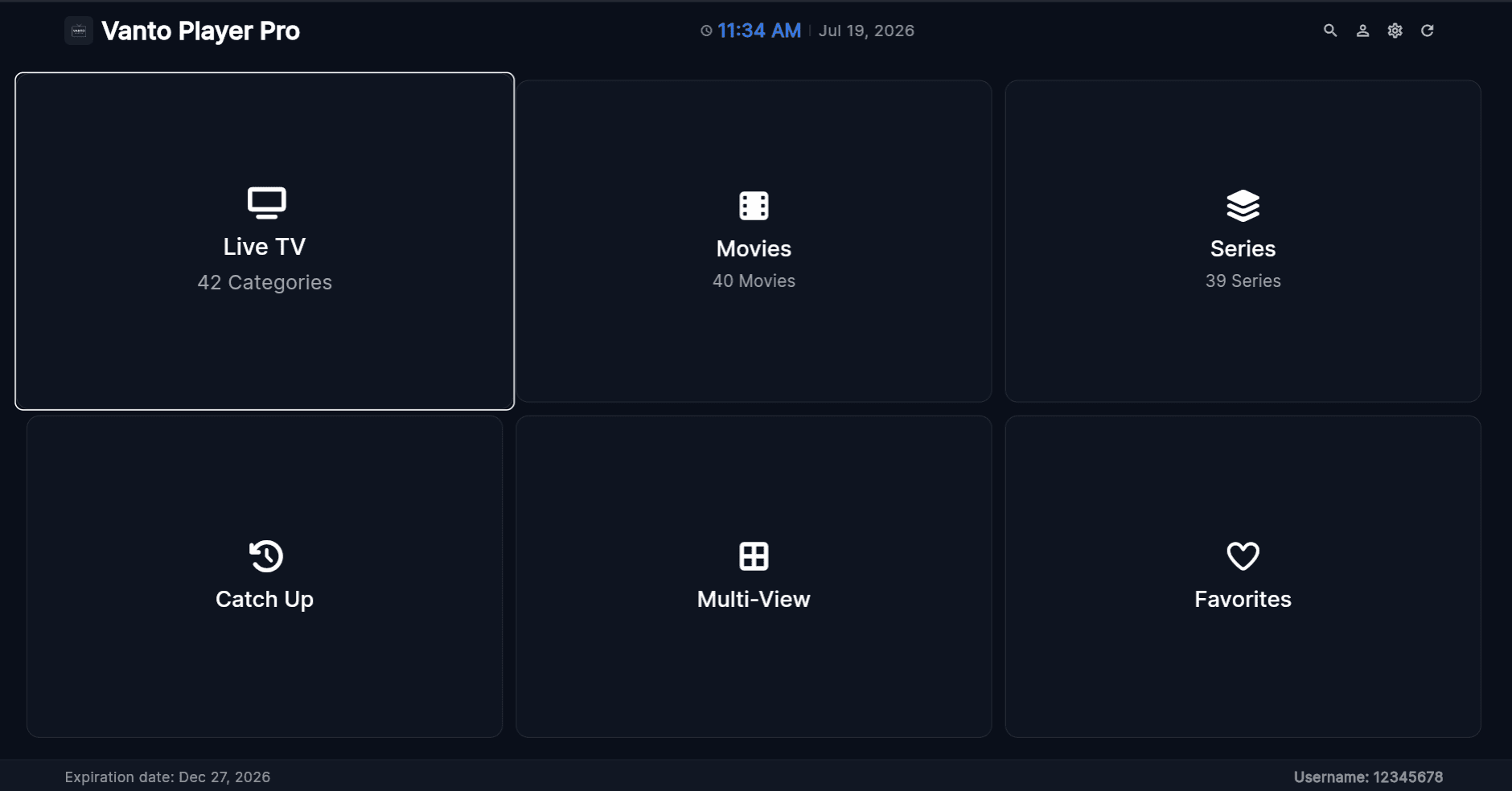
MacOS App
Coming Soon
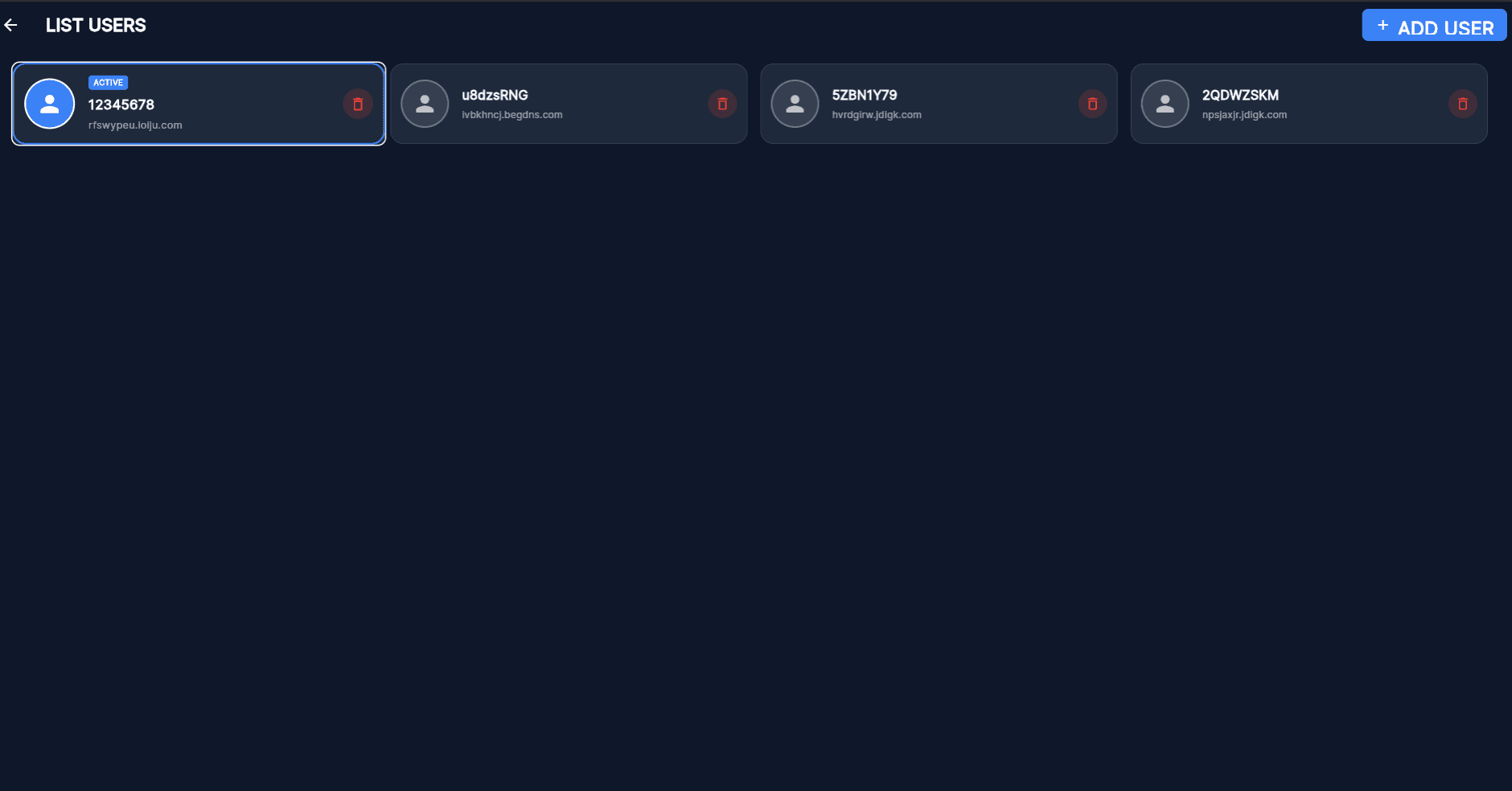
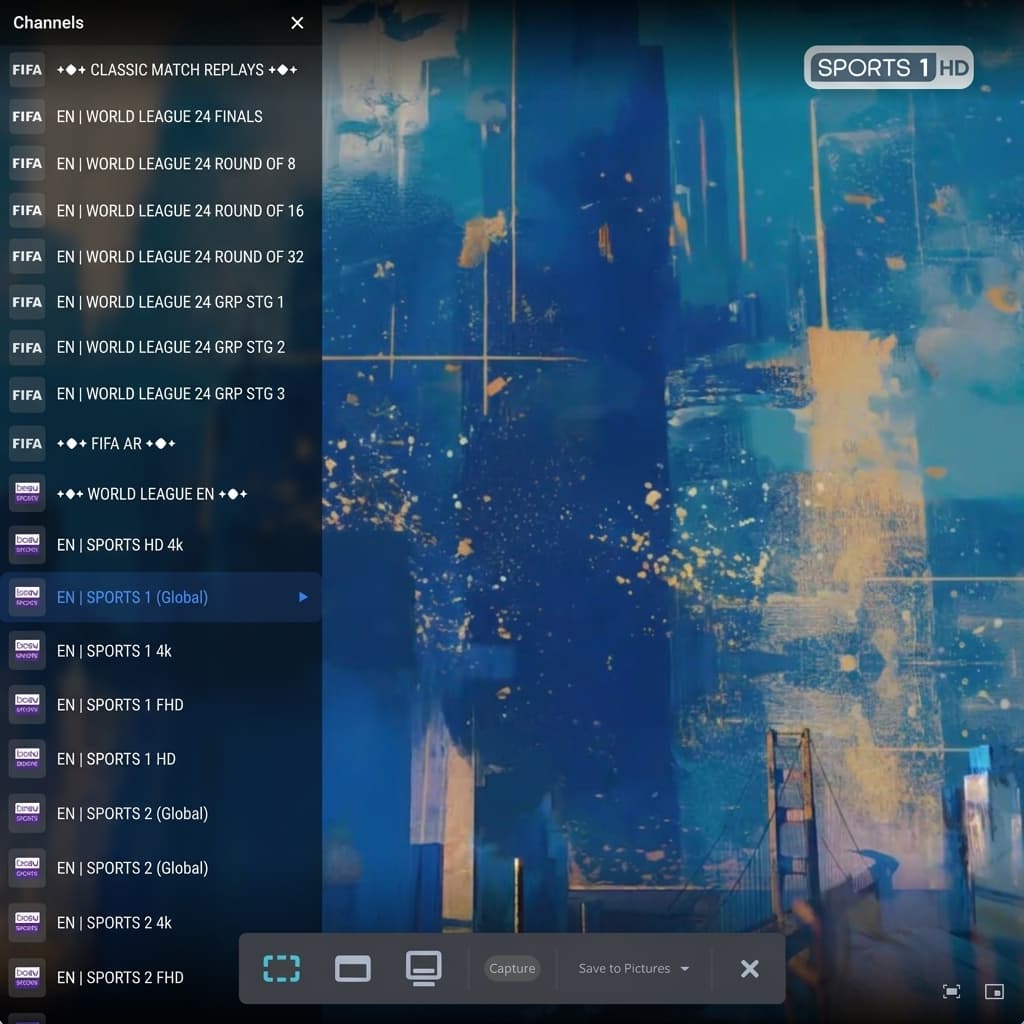
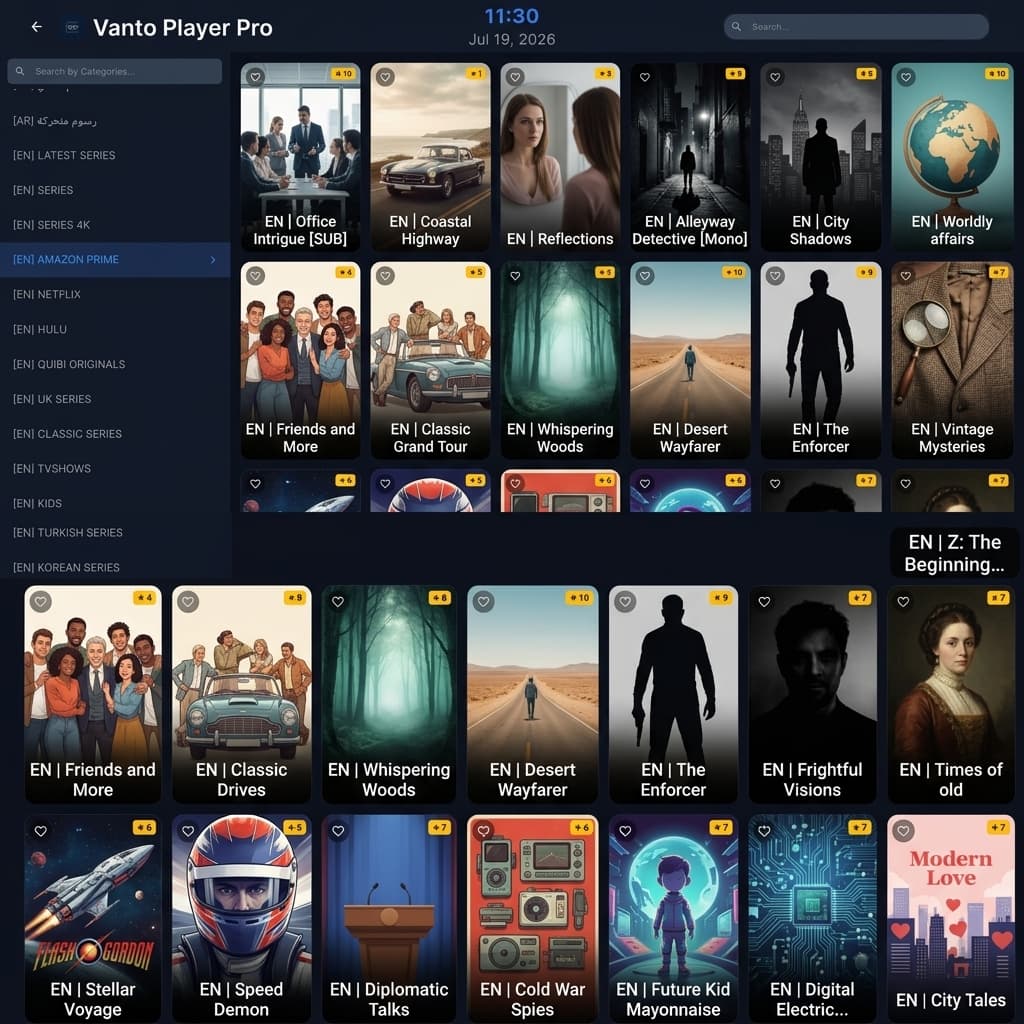
How to Uninstall Vanto Player
If you need to remove Vanto Player from your device, follow the instructions below based on your operating system.
Windows
- Open Settings > Apps.
- Search for "Vanto Player" in the list.
- Click on it and select Uninstall.
- Follow the on-screen prompts.
macOS
- Open the Finder.
- Go to the Applications folder.
- Locate "Vanto Player".
- Drag the app to the Trash.
Android & TV
- Go to device Settings.
- Navigate to Apps.
- Find and select "Vanto Player".
- Choose Uninstall and confirm.
How to Install Vanto Player
Follow these simple steps to get Vanto Player running on your favorite device in minutes.
Android TV & Firestick
Get Downloader
Install the Downloader app from your device's native App Store.
Enter Quick Code
Open Downloader and type our quick code: 7392829
Download & Install
Click Go to download the APK. Follow the on-screen prompts to install.
Open & Stream
Launch Vanto Player, add your credentials, and start streaming instantly.
Windows, Mac & iOS
No Installation Required
Vanto Player works directly in your web browser. No need to download any apps.
Access Web Player
Simply navigate to the Vanto Web Player using Chrome, Safari, or Edge.
Login & Play
Enter your playlist details and instantly access your content on any screen size.
Watch Vanto Player with these compatible streaming devices
Frequently Asked Questions
Vanto Player APP and any administrator do not help you to find a good playlist. Also, we don't provide any kind of playlists. We are not responsible for the content uploaded to our APP. Please don't buy the app when you don't have any playlist or Media for the APP, because no channels are included after the activation in this app. Your payment will not be refunded if you buy it without having any list or something is not working.
Each TV has 2 MAC addresses (1st is WiFi, 2nd is Ethernet) and a 2nd MAC has activated automatically after you switch to another connection type and restart the app. MAC address is unique for every TV and cannot be changed manually.
This can be caused because of the ISP lock if your computer is on a different Network. But when the network is the same as your computer and it is not working it can be caused because of your TV's supported format. Not every Smart-TV supports all contents. Every TV model is totally different or may not support specific stream formats!
Make sure your playlist is working and active, that it has no limitations or problems. For privacy reasons we do not have access to the playlists, we do not provide any assistance on them.
This is maybe because of your internet connection, please check at first your internet connection before you contact your provider. Many times it is caused because of the connection and not because of the provider!
No, the app didn't have an EPG system integrated but if your provider has an EPG - READY system then it would work with our platform.
For privacy reasons we do not have access to the playlists, we do not provide any assistance on them.