Understanding M3U vs JSON Playlist Formats (Beginner Guide)
Confused about playlist formats? Learn the difference between M3U and JSON files, and discover which format is best for Vanto Player.
Understanding M3U vs JSON Playlist Formats: A Beginner's Guide
When you download a media player like Vanto Player, you will quickly discover that you need to upload a playlist to start streaming. While setting up, you will often encounter two common formats: M3U and JSON.
But what exactly are these files? How are they different, and which one should you use? In this guide, we will break down the technical jargon and explain exactly what these formats do.
Disclaimer: Vanto Player is a media player that reads standard playlist formats. It does not provide any media content or subscriptions.
What is an M3U Playlist?
M3U (which stands for MP3 URL or Moving Picture Experts Group Audio Layer 3 Uniform Resource Locator) is the undisputed industry standard for multimedia playlists.
Originally created decades ago for creating audio playlists in Winamp, it has evolved into the most common method for organizing live video streams.
An M3U file is essentially a simple text document. Inside, it contains a list of media URLs along with metadata, such as the channel name and the link to the channel's logo.
Pros of M3U:
- Universal Compatibility: Every media player on the market, including Vanto Player, supports M3U formats natively.
- Easy to Edit: Because it is just plain text, you can open an M3U file in Notepad or any text editor to delete channels you do not want or reorganize the order.
- Live Updates: When you use a dynamic M3U URL (a link rather than a downloaded file), your provider can update the channel list remotely, and your player will sync the new channels automatically.
What is a JSON Playlist?
JSON (JavaScript Object Notation) is a more modern, structured data format heavily used in web development and APIs.
While not traditionally used for simple media playlists, JSON has gained popularity in custom IPTV architectures because it allows developers to structure data with immense detail and complex hierarchies.
Pros of JSON:
- Complex Data Structure: JSON can hold significantly more structured metadata than M3U. It can easily group content by season, episode, cast members, and intricate categories without relying on flat tags.
- Speed and Efficiency: Because JSON is the native language of many modern web applications, players built on modern frameworks can parse and load massive JSON libraries incredibly fast.
M3U vs JSON: Which Should You Use?
For 95% of users, M3U is the way to go.
If your content provider gives you a choice, request the M3U link. It is the most robust, universally understood format that ensures seamless compatibility across all your devices. Vanto Player is highly optimized to parse enormous M3U files (even those with over 50,000 lines) quickly.
JSON playlists are generally used in very specific, customized scenarios or closed ecosystems where the provider has built a proprietary app. While Vanto Player supports advanced JSON structures for developers, the standard consumer experience is built around the simplicity of M3U.
Step-by-Step: Adding Your Playlist
Regardless of which format you use, getting it into Vanto Player is easy.
- Locate your M3U URL or JSON link.
- Open the Vanto Player playlist manager.
- Log in using your Device MAC Address and Device Key.
- Paste the URL into the "Add Playlist" section.
- Save, and open Vanto Player on your device to sync the content.
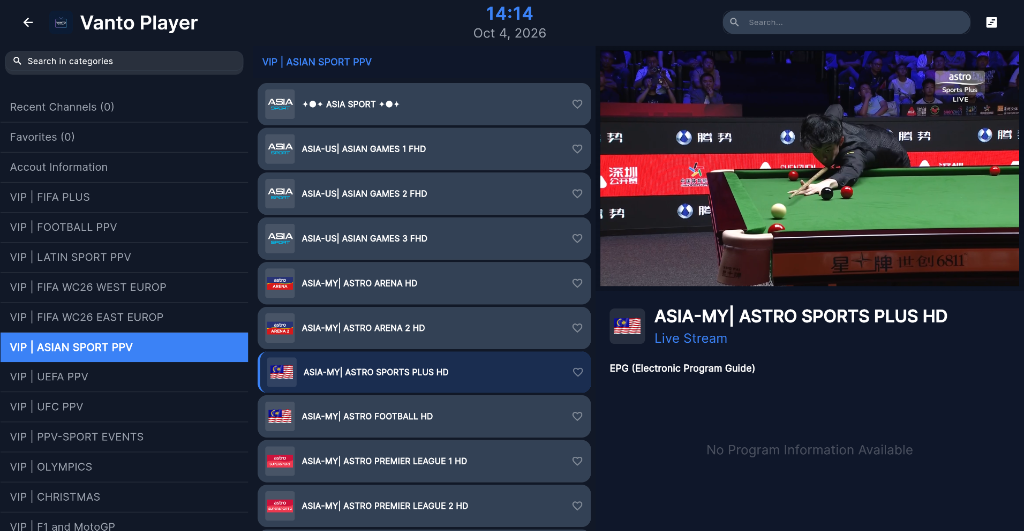
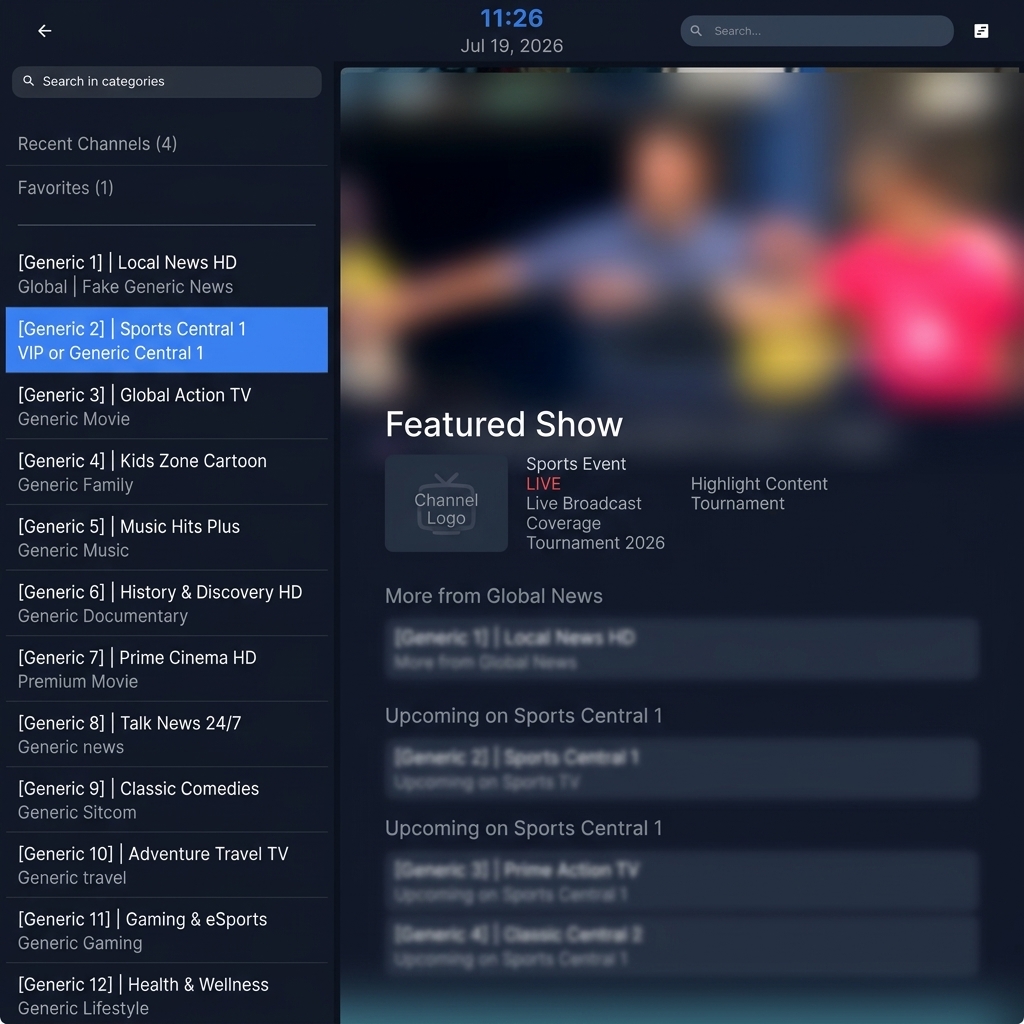
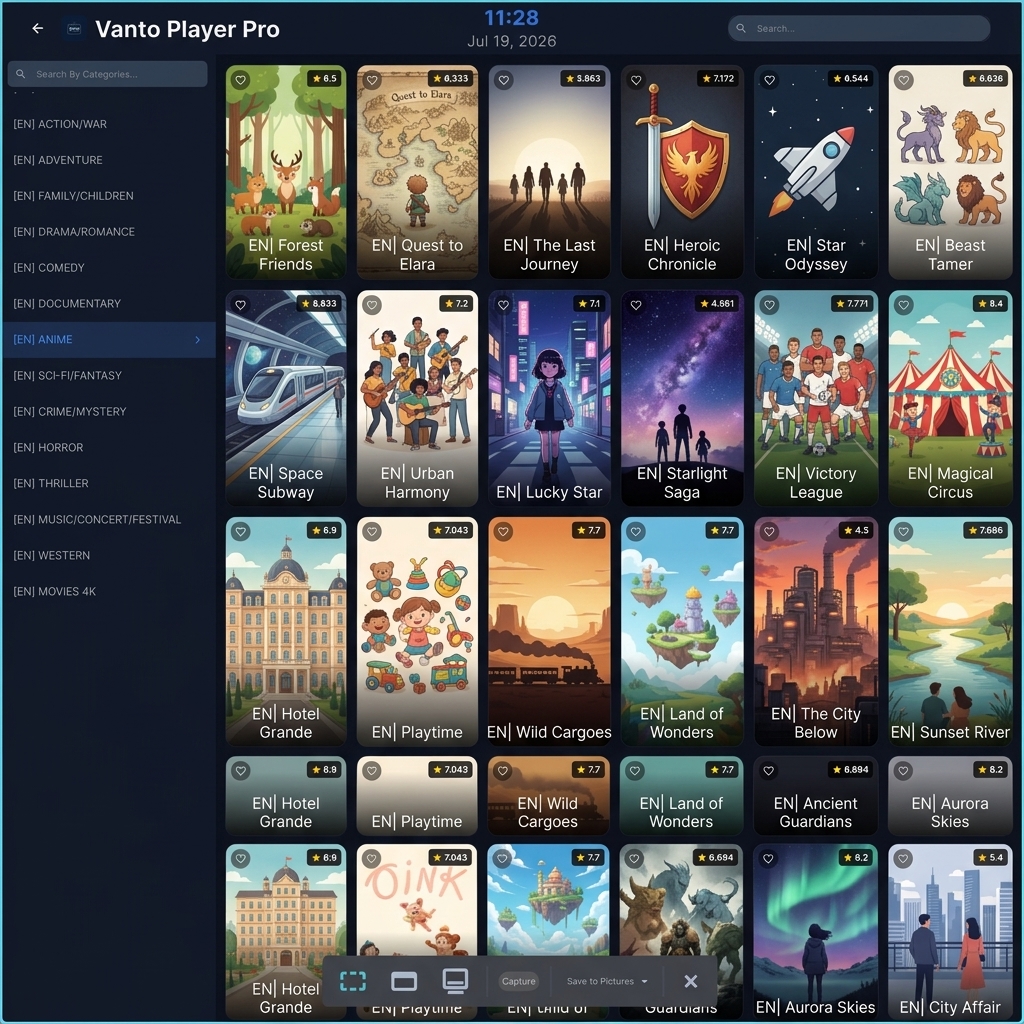
Vanto Player Interface
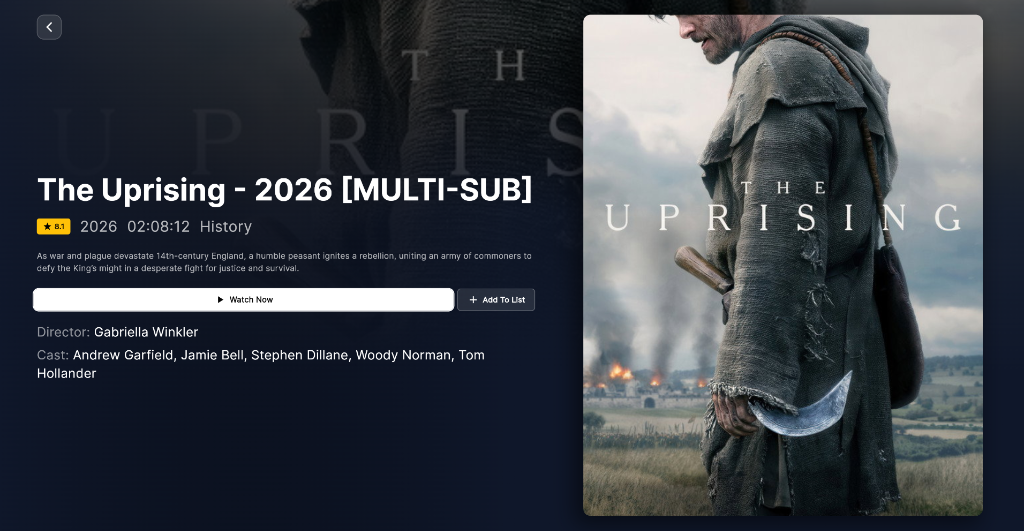
Once your playlist is successfully added, Vanto Player automatically organizes your content into a beautiful, easy-to-navigate interface:
Frequently Asked Questions (FAQ)
Can I convert an M3U file to JSON? Yes, there are online tools and scripts available that can parse an M3U file and output it as a structured JSON object. However, unless you are a developer building a custom media app, there is rarely a need to do this.
What is the difference between an M3U file and an M3U8 file? They are functionally identical. The "8" simply denotes that the text file is specifically encoded in UTF-8 format, which allows it to properly display international characters (like Arabic, Chinese, or Cyrillic letters) in channel names.
Why does my M3U link not show an EPG (TV Guide)? An M3U file contains media stream links, but it usually does not contain the actual TV schedule data. To get a working TV guide in Vanto Player, you typically need to add a separate XMLTV EPG link alongside your M3U link.
Ready to Try Vanto Player?
Experience the ultimate media player for your IPTV playlists. Download now and enjoy seamless 4K streaming.
Vanto Player Team
Streaming Technology Expert
With years of deep expertise in IPTV protocols, media encoding, and streaming applications, Vanto Player Team leads technical content at Vanto Player. They share advanced setup tutorials, performance optimization tips, and industry insights to help you build the ultimate home theater experience.